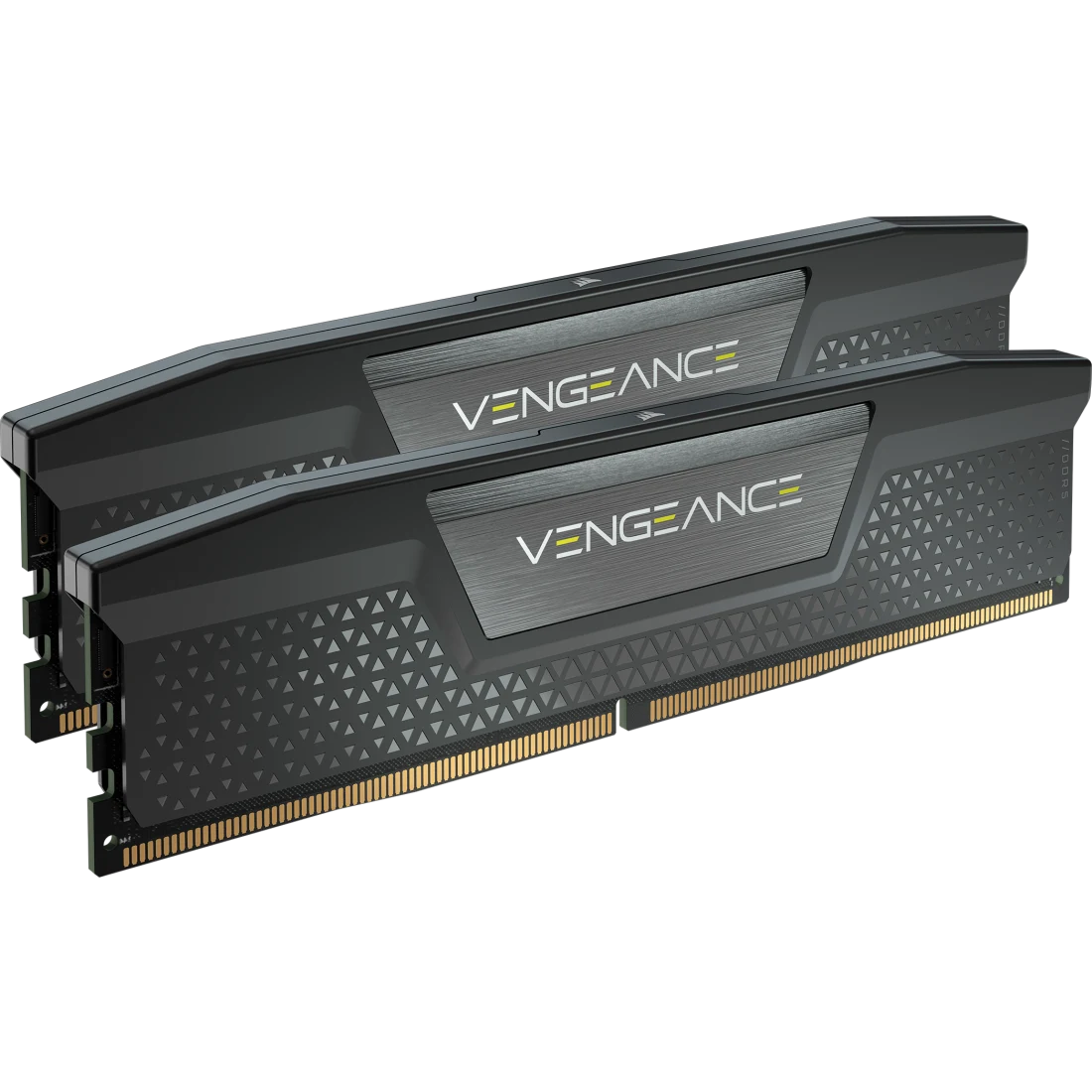
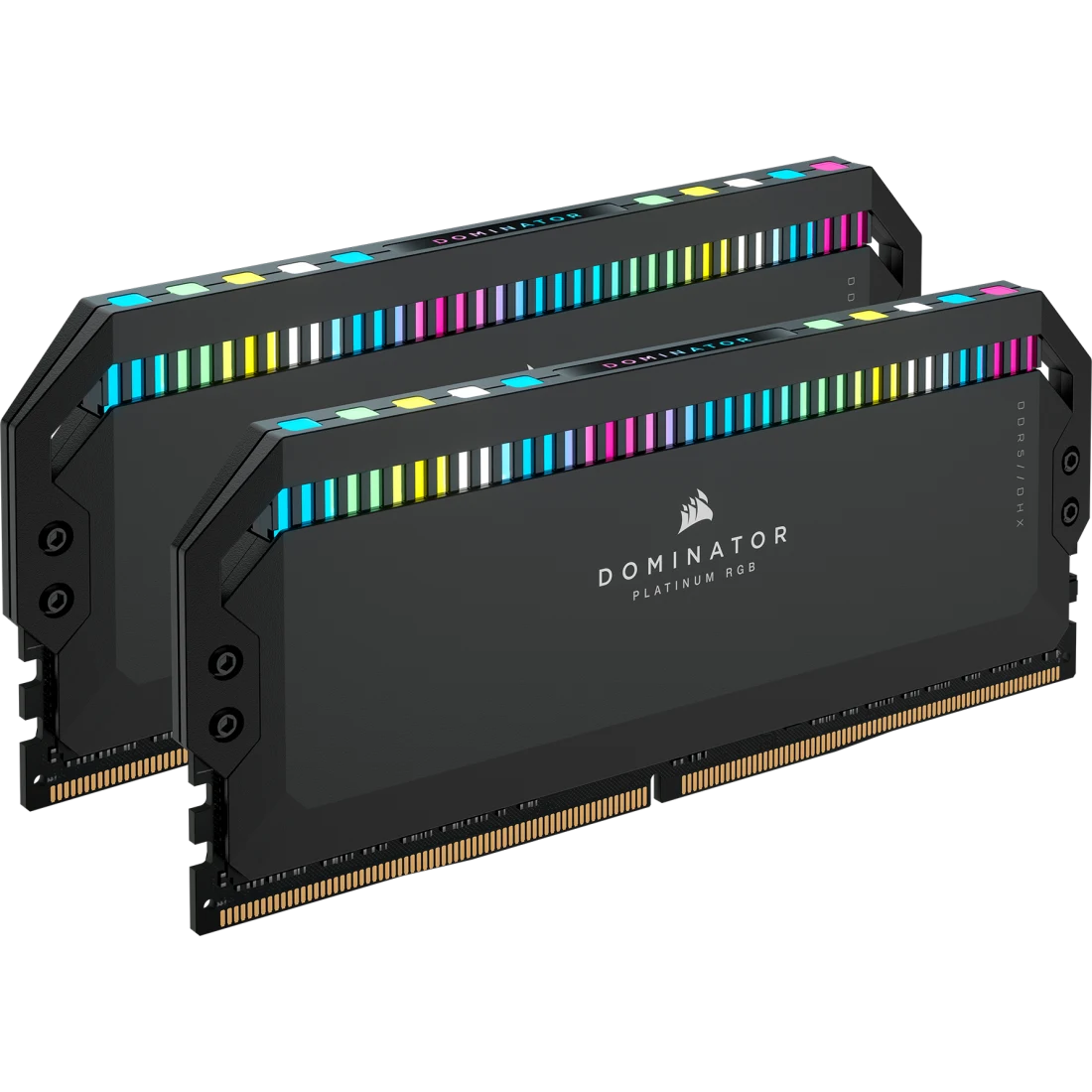
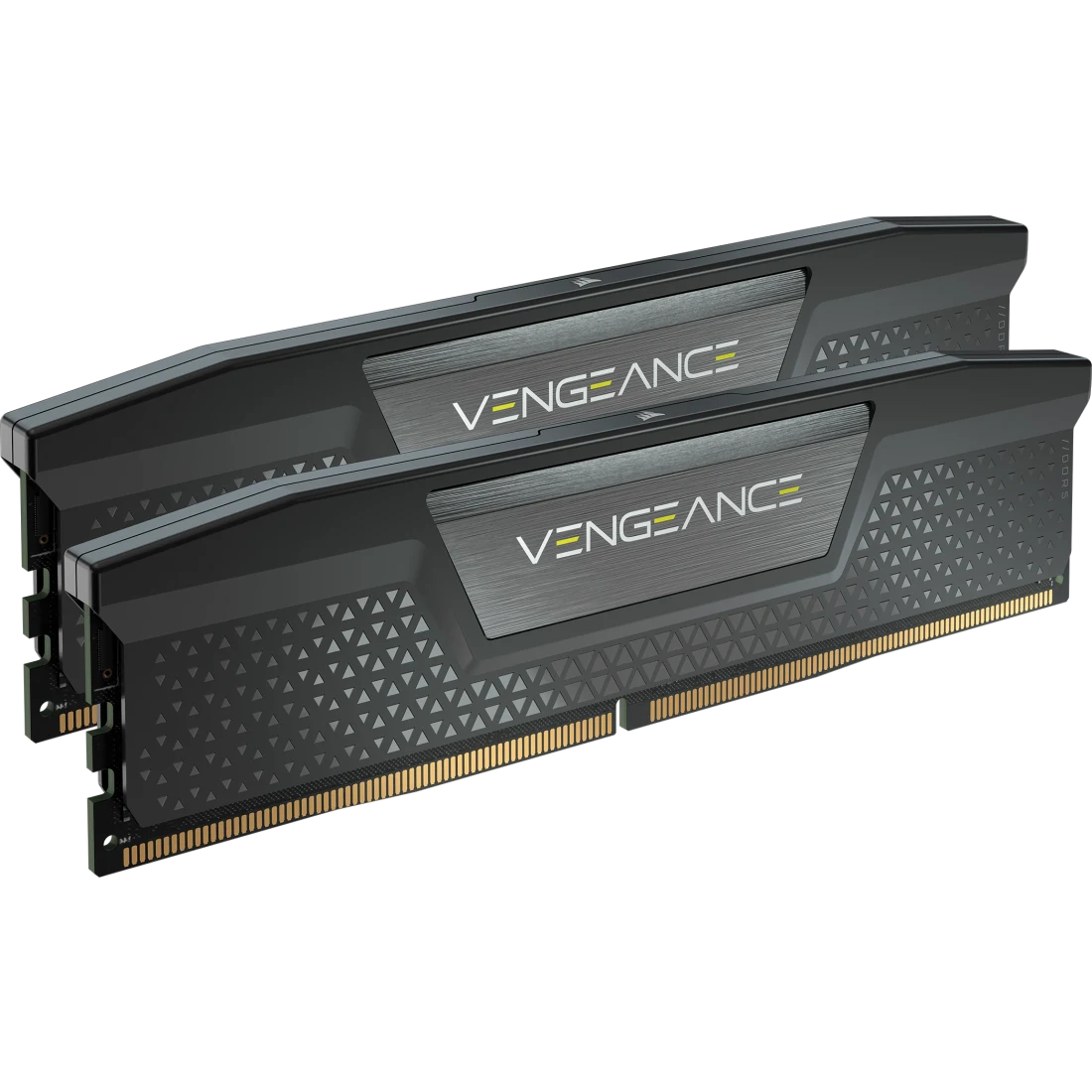
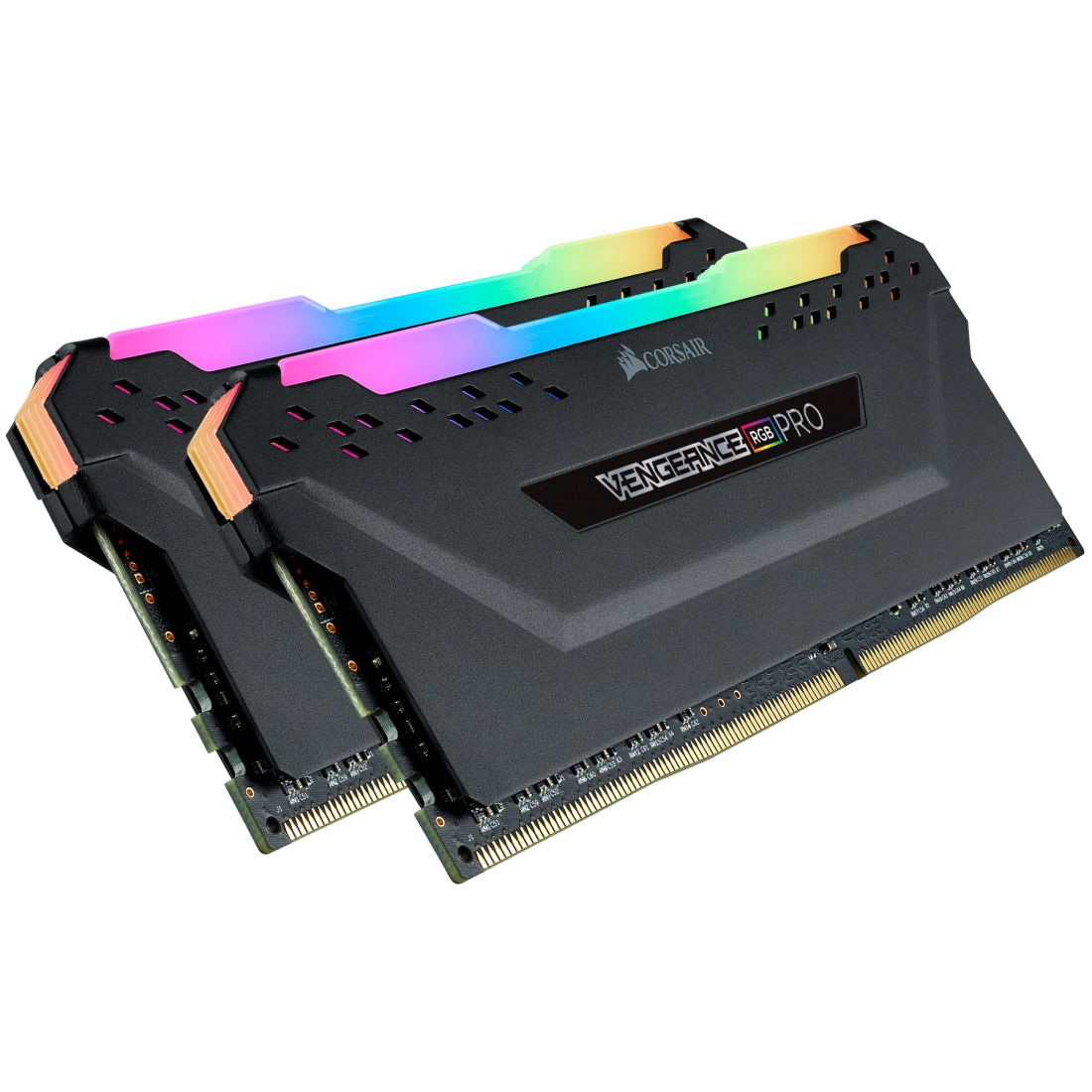
Corsair VENGEANCE RGB PRO 32GB (2 x 16GB) DDR4 3200MHz C16 Black
A 32 GB (2 x 16 GB) DDR4 UDIMM kit rated 3200 MT/s at CL16 and 1.35 V with an XMP 2.0 profile, multi-zone RGB lighting controlled by iCUE and an anodized aluminum heat spreader.
Full Specification Sheet
| Part Number | CMW32GX4M2E3200C16 |
|---|---|
| Capacity | 32 GB kit (2 x 16 GB) |
| Type | DDR4 UDIMM, 288-pin |
| Tested Speed / Latency | 3200 MT/s / CL16 |
| Speed Rating | PC4-25600 |
| Tested Voltage | 1.35 V |
| SPD Speed / Latency / Voltage | 2133 (as listed) / CL15 / 1.2 V |
| Profile | XMP 2.0 |
| Heat Spreader | Anodized aluminum |
| Lighting | Dynamic multi-zone RGB (iCUE) |
| Color | Black |
| Compatibility | Intel Z390, AMD 400 Series, AMD 500 Series, AMD X570 |
| Software | iCUE; RGB memory plugin for ASUS Aura Sync |
| Warranty | Limited lifetime |
The Corsair VENGEANCE RGB PRO 32GB (2 x 16GB) DDR4 3200MHz C16 is a two-module DDR4 kit with the part number CMW32GX4M2E3200C16. Corsair's headline for the series is visualize, synchronize, memorize: DDR4 overclocked memory that lights up a PC with dynamic multi-zone RGB lighting while delivering the best in DDR4 performance. In our database it is the plain-speed relative of the RGB PRO SL kit already listed at 3600 MT/s, and the lit alternative to the non-lit VENGEANCE LPX 3200 kit. The page gives no price that we can separate from the colour and size options, and no launch date, so this entry gives neither. What follows is a reading of Corsair's published specification table and feature copy, with a few clearly marked calculations. We have not tested the kit ourselves.
Speed, timing and voltage
The tech-spec table lists a tested speed of 3200 MT/s, a tested latency of CL16 and a tested voltage of 1.35 V. The speed rating is PC4-25600, the same speed written as module bandwidth. The kit also carries a default SPD profile of CL15 at 1.2 V, with the SPD speed written as 2133 MHz. That number is a data rate in practice, and the page's own table shows the same loose use of the unit elsewhere, so read it as 2133 MT/s. The performance profile is XMP 2.0. As a quick calculation, first-word latency in nanoseconds is the CAS latency times 2000 divided by the transfer rate, so CL16 at 3200 MT/s works out to 10 ns. Peak theoretical bandwidth for two modules in dual channel is 3200 times 8 bytes times two, or 51.2 GB/s, compared with about 34.1 GB/s at the 2133 MT/s default. Our explainer on RAM speed versus latency shows why both figures matter and why a lower CL number alone does not make memory faster.
Lighting and software
This is the feature that sets the kit apart from the plain VENGEANCE LPX modules. Corsair describes dynamic multi-zone RGB lighting, controlled by CORSAIR iCUE software that can synchronise lighting across all iCUE-compatible products, including memory, fans, RGB LED strips, keyboards and mice. According to the page, iCUE offers dozens of preset lighting profiles, a large range of adjustable colours and adjustable LED brightness. The downloads section also lists a CORSAIR RGB Memory Plugin for ASUS Aura Sync, so the lighting can be driven from that ecosystem as well. The modules need no extra wires or cables for the lighting, which Corsair calls a clean and seamless install. If you do not want lighting at all, the kit is not the cheapest or the simplest choice for the same capacity and speed, and our database has non-lit alternatives.
Platform support and the XMP profile
The compatibility line lists Intel Z390 and AMD 400 Series, AMD 500 Series and AMD X570 boards, and Corsair's copy says the memory is optimised for peak performance on the latest Intel and AMD DDR4 motherboards. XMP 2.0 is Intel's profile standard, and AMD boards usually read it through their own name for the setting. Our guide to XMP versus EXPO profiles explains the difference, which matters more on DDR5 but still shapes how to enable the rated speed on a given board. Corsair says a single BIOS setting is all that is required to set the memory to its ideal performance settings. The memory format is UDIMM with 288 pins and the kit has no fan.
Build quality
Corsair describes a custom performance PCB that provides the highest signal quality for the greatest performance and stability, carefully screened integrated circuits for extended overclocking potential, and an aluminum heat spreader that improves thermal conductivity for superb memory cooling even when overclocked. The table lists the heat spreader as anodized aluminum and the colour as black. The weight is listed as zero kilograms, which is clearly a missing value, so we leave it out. The warranty is limited lifetime. The page does not give a module height, so if you plan to fit a large air cooler over the first slot, check the cooler maker's clearance figure and measure before you buy; lit modules with a diffuser on top are usually taller than plain ones.
Where it sits in our database
Two entries make the position clear. The VENGEANCE LPX 32GB DDR4-3200 CL16 lists the same capacity, speed, latency, voltage and XMP 2.0 profile with a low-profile anodized aluminum heat spreader and no lighting, so the RGB PRO differs mainly in the lighting and the software around it. The VENGEANCE RGB PRO SL 32GB DDR4 3600 CL18 lists a 3600 MT/s speed, CL18 and a 44 mm tall heat spreader with individually addressable RGB. Arithmetic from the pages: 3600 MT/s at CL18 gives a first-word latency of 10 ns, the same as 3200 at CL16, while the peak bandwidth is 12.5 percent higher at 57.6 GB/s against 51.2 GB/s. You can read the two lit kits side by side in our comparison of the two RGB PRO kits, and the whole memory category is available for wider browsing.
DDR4 in a DDR5 world
DDR4 is the previous memory generation, and the main reason to buy it now is an existing platform that only accepts DDR4. Our DDR5 versus DDR4 buying guide covers when it still makes sense and when moving to a DDR5 platform is the better use of money. Use this entry to check the facts that decide fit: two 16 GB modules, 288-pin UDIMM, XMP 2.0, 1.35 V at the rated speed and the listed Intel and AMD platform support. Then, if lighting matters to you, make sure your case window and the rest of your lit parts will work with the iCUE ecosystem you plan to use.
Practical selection notes
Before installation, read the motherboard manual: place the two modules in the slots the board maker designates for a pair, update the BIOS if needed, and enable the rated XMP profile only after the first successful start. If the system is not stable afterwards, test the default setting first and then step back up one change at a time. If you plan to control the lighting, install the software after the basic setup and check that no second lighting program is running at the same time, because they can interfere with each other. A kit is only meaningfully compared with another when capacity, module count and speed match. These notes are general advice and add no technical claims about the product.