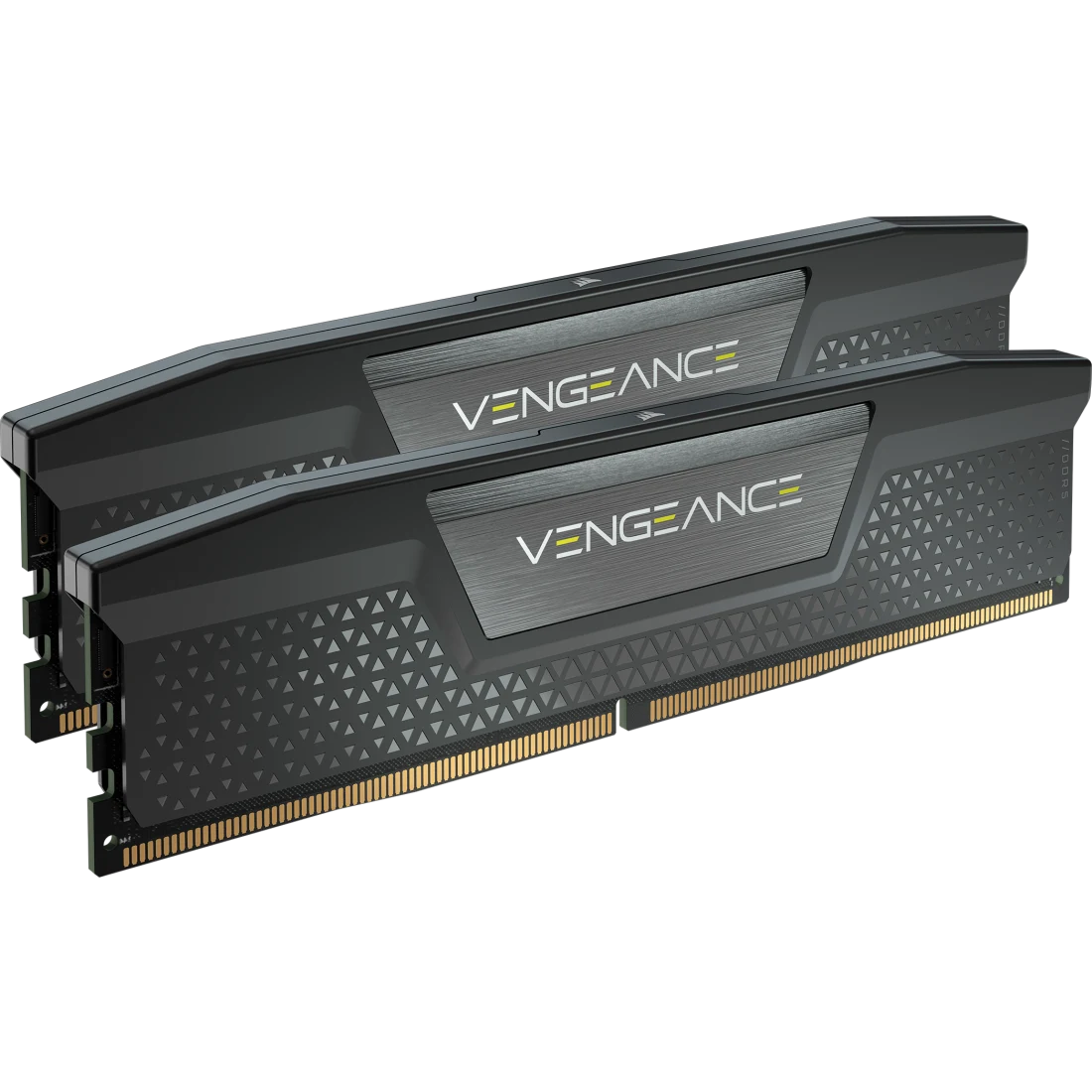
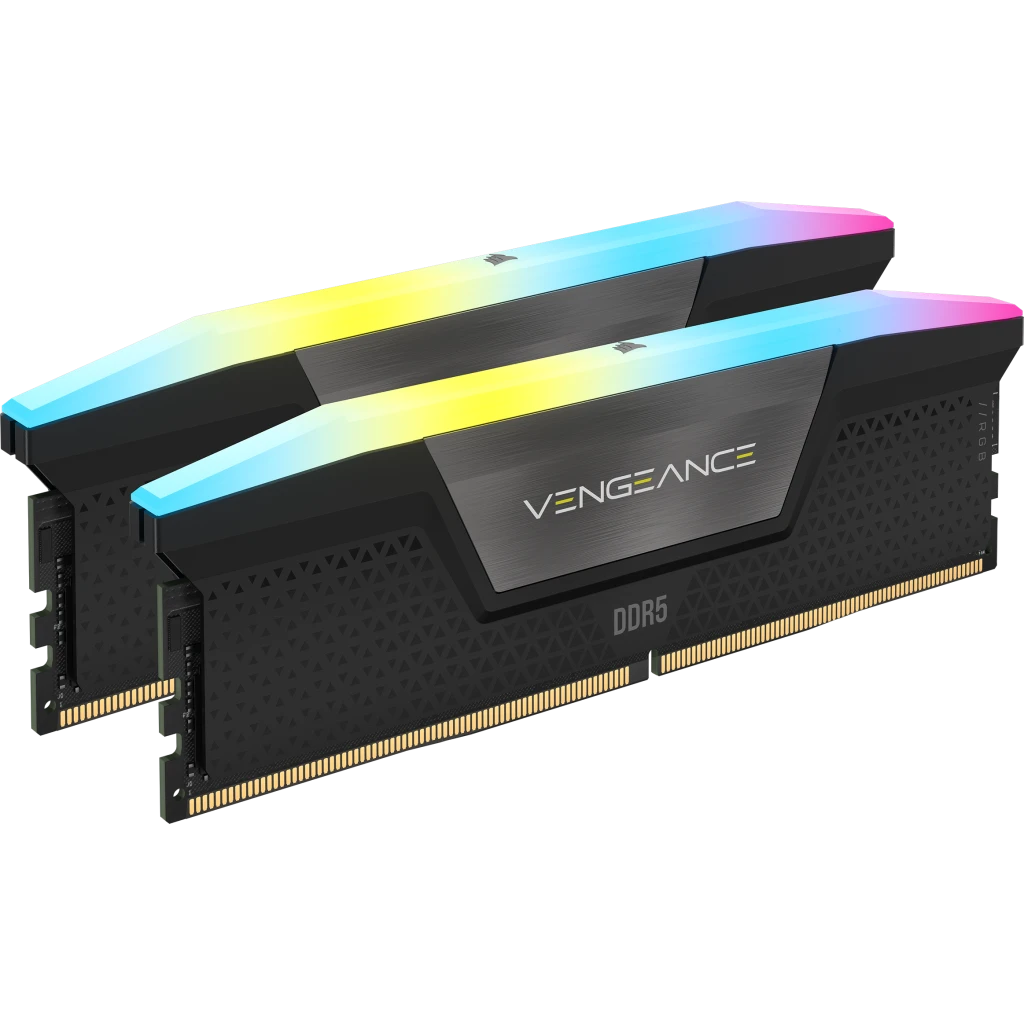
Corsair VENGEANCE RGB 64GB (2x32GB) DDR5-6000 CL30
A 64 GB (2 x 32 GB) DDR5 kit tested at 6000 MT/s and CL30 at 1.40 V with an Intel XMP profile, ten-zone RGB lighting and an aluminum heat spreader.
Full Specification Sheet
| Part Number | CMH64GX5M2B6000C30 |
|---|---|
| Capacity | 64 GB kit (2 x 32 GB) |
| Tested Speed | 6000 MT/s (PC5-48000) |
| Tested Latency | CL30 |
| Tested Voltage | 1.40 V |
| SPD Speed / Latency / Voltage | 4800 MT/s / CL40 / 1.1 V |
| Profile | Intel XMP |
| Module Type | DDR5 UDIMM |
| Heat Spreader | Aluminum |
| Lighting | Ten-zone RGB per module |
| PMIC | Overclock PMIC |
| Compatibility | Intel 700 Series, Intel 800 Series |
| Warranty | Limited lifetime |
The Corsair VENGEANCE RGB DDR5 kit with part number CMH64GX5M2B6000C30 is a two-module set of 32 GB modules, 64 GB in total, tested by Corsair at 6000 MT/s with a CAS latency of 30 at 1.40 V. It belongs to the VENGEANCE RGB DDR5 range, the more mainstream sibling of the DOMINATOR line, and Corsair's page lists the same family in other speeds up to 8200 MT/s. The interesting point of this particular kit is capacity: 64 GB in only two modules means the memory is provided by high-density 32 GB sticks, leaving two slots free on a four-slot board. This page explains the figures Corsair publishes, what they mean when you choose memory, and what the page does not state. No benchmark results appear here and this site has not tested the kit. Every figure is a manufacturer specification unless it is marked as arithmetic, and no price is shown because prices change daily.
Speed, latency and voltage
The tech table lists a tested speed of 6000 MT/s, a tested latency of 30 and a tested voltage of 1.40 V. The speed rating reads PC5-48000, which is DDR5-6000 in the bandwidth naming scheme: 6000 megatransfers per second across a 64-bit module path is 48,000 MB/s, or 48 GB per second per module (arithmetic). Two modules in dual-channel operation therefore give a theoretical ceiling of 96 GB/s, an upper bound rather than a measurement. The CAS latency of 30 translates to a first-word delay of 30 times 2000 divided by 6000, which is exactly 10 nanoseconds (arithmetic from Corsair's figures). The relationship between speed and delay is the main reason DDR5-6000 with a latency of 30 is often discussed as a balanced target; our explainer on RAM speed versus latency shows how to do the same sum for any kit you are considering.
Default profile versus tested profile
The SPD values, which are the defaults stored on the module, are 4800 MT/s at CL40 and 1.1 V. The tested 6000 MT/s CL30 at 1.40 V figures are the profile that the motherboard applies after you enable it in the BIOS. Corsair lists the performance profile as Intel XMP, and it also offers custom XMP 3.0 profiles via iCUE software. Corsair's page reminds you that the tested speed requires overclocking or BIOS adjustments and that the maximum speed and performance depend on system components, including the motherboard and processor. At the default 4800 MT/s CL40 setting the first-word delay is about 16.7 nanoseconds (40 times 2000 divided by 4800; arithmetic), so the tested profile is the more meaningful reference. If the Intel-only naming of the profile raises a question for an AMD build, our comparison of XMP versus EXPO memory profiles explains how the two systems differ.
Why 64 GB in two modules
Corsair's page does not argue for a particular capacity, and this entry does not claim a benefit for any workload. What the kit does give you, as a fact of its configuration, is 64 GB from two modules, so a typical desktop board with four slots keeps two empty for a later upgrade. Filling more slots usually places extra load on the memory controller, which is why platforms often list lower supported speeds for four-module setups. Whether you need 64 GB at all depends on what you run. Our guide on 16 GB versus 32 GB and how much RAM you need walks through the reasoning for everyday and heavy use, and the same logic extends upward to larger capacities.
Lighting and construction
The lighting is ten individually addressable, ultra-bright RGB LEDs per module, housed in a panoramic light bar. Corsair lists presets such as Color Shift, Rain, Watercolor, Rainbow Wave and Spiral Rainbow, and says that you can create your own profiles with near-limitless customisation in iCUE. Construction details from Corsair are a solid aluminum heat spreader that conducts heat away from the memory with the refined VENGEANCE dual-tone styling, a custom performance PCB that guarantees signal quality and stability for superior overclocking, and hand-sorted, tightly screened memory chips intended to ensure consistent high-frequency performance with aggressive timing options. These are manufacturer statements about intent and design, not measurements taken by this site. The tech table lists the PMIC type as Overclock PMIC, and Corsair describes built-in voltage regulation together with iCUE software control as making finely tuned output and stable overclocking easier.
What the other speed options in the family tell you
The selector on Corsair's page lists other speed and latency combinations in the same family, including 7200 MT/s CL40, 7600 MT/s CL36, 7800 MT/s CL36 and CL38, 8000 MT/s CL36 and 8200 MT/s CL40. Working out the first-word delay for each with the same formula (latency times 2000 divided by speed) gives about 11.1 ns for 7200 CL40, 9.5 ns for 7600 CL36, 9.2 ns for 7800 CL36, 9.7 ns for 7800 CL38, 9.0 ns for 8000 CL36 and 9.8 ns for 8200 CL40, against exactly 10 ns for this 6000 CL30 kit (all arithmetic from the listed figures). Two lessons follow. A higher transfer rate does not automatically mean a shorter delay, because a looser latency can cancel the gain, and the fastest kits do not necessarily sit on a supported speed for every processor. Which of these listed variants exist in a 64 GB capacity is something the page does not spell out, so check the selector before assuming one.
Compatibility
Corsair lists Intel 700 Series and Intel 800 Series as the memory compatibility, and says the kit is optimised for maximum bandwidth and tight response times on the latest Intel DDR5-compatible motherboards. The page mentions that Corsair introduced dual profiles that support both Intel XMP 3.0 and AMD EXPO, but that is a separate blog article on the page and the kit's own table lists Intel XMP as its profile, so do not assume EXPO support for this specific part number. As with any high-speed DDR5 kit, the processor's memory controller and the motherboard both influence what speed is stable; consult the board maker's memory support list before buying.
What the page does not state
The page does not name the memory chip vendor, does not list the rank configuration and gives no module height. It shows the module weight as zero, which is missing data rather than a real value. The height matters if you use a large air cooler near the memory slots, so check the cooler's memory-clearance figure against the module before buying. The kit carries a limited lifetime warranty; read Corsair's warranty terms for the details that apply to you.
Where it sits and how to compare it
On this site the VENGEANCE RGB name already appears on two other kits. The Corsair VENGEANCE RGB DDR5 32GB 6000 entry is the same tested speed at half the capacity, and the Corsair VENGEANCE RGB DDR5 96GB 6400 CL32 entry is a larger, faster configuration. The side-by-side comparison lines up the 64 GB and 32 GB kits, and the full memory category lists every kit we cover. A specification tells you what the kit is rated for, not how your system will behave with it, and that depends on your platform, your BIOS and your workload.