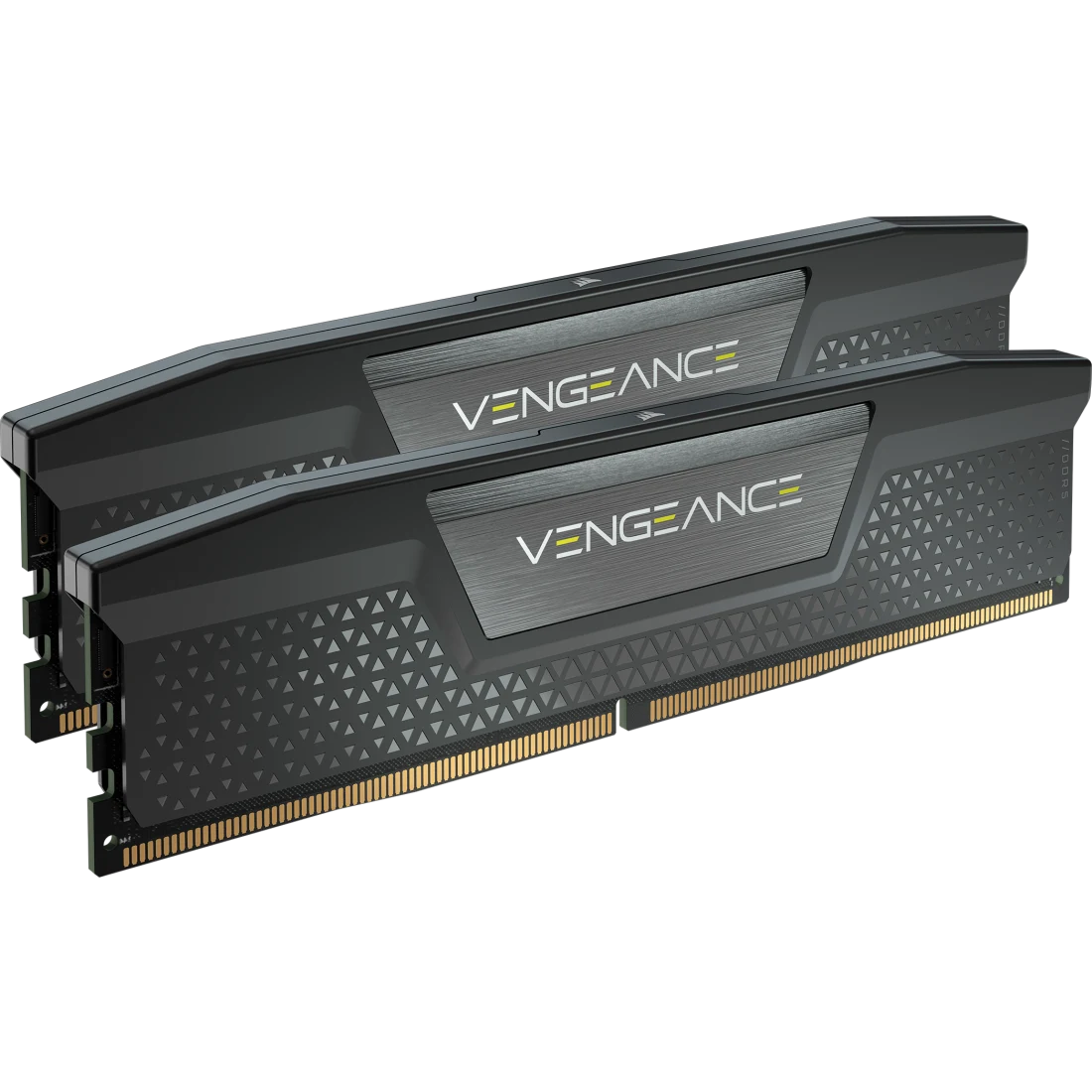
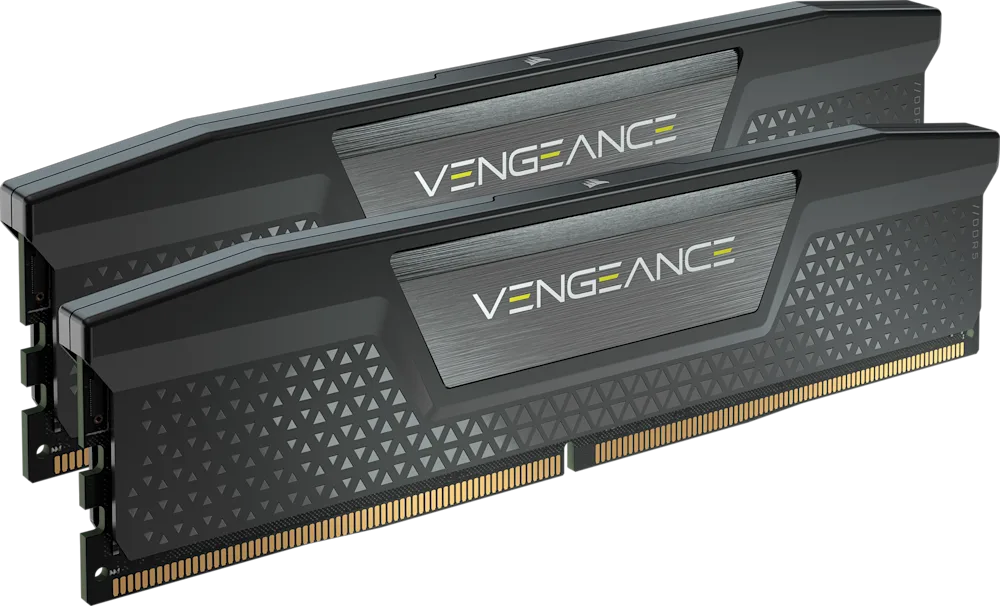
Corsair VENGEANCE DDR5 32GB (2x16GB) 6000 MT/s CL30 Black
A 32 GB (2x16 GB) DDR5-6000 CL30 memory kit with an Intel XMP profile, a black aluminium heat spreader and a compact low-profile design.
Full Specification Sheet
| Capacity | 32 GB (2 x 16 GB) |
|---|---|
| Type | DDR5 UDIMM, 288-pin |
| Tested Speed / Latency | 6000 MT/s / CL30 |
| Tested Voltage | 1.40 V |
| SPD Speed / Latency / Voltage | 4800 MT/s / CL40 / 1.1 V |
| Speed Rating | PC5-48000 (DDR5-6000) |
| Profile | Intel XMP |
| Heat Spreader | Aluminum, black |
| PMIC | Overclock PMIC |
| Compatibility | Intel 600, 700 and 800 Series |
| Software | iCUE |
| Warranty | Limited lifetime |
The Corsair VENGEANCE DDR5 32GB (2x16GB) 6000 MT/s CL30 is a dual-module memory kit for desktop computers, listed under the part number CMK32GX5M2B6000C30. It is the black, non-RGB version of Corsair's mainstream DDR5 line, optimised for Intel motherboards and tested at 6,000 megatransfers per second with a CAS latency of 30. That speed and latency pairing is widely regarded as a sweet spot for current platforms: fast enough to feed a modern processor, and with a tight enough timing that first-word latency is low. The heat spreader is a solid black aluminium part with a low profile, which makes the kit compatible with most air coolers. This page collects the specification published by Corsair, explains what each figure means and describes who the kit is for.
Capacity and configuration
The kit contains two 16 GB modules, for a total of 32 GB, supplied together and tested as a matched pair. Sold as two modules, the kit is meant for dual-channel operation, where each module is on its own memory channel and the processor can read from both at the same time. On a motherboard with four slots, the two modules normally go into the second and fourth slots counting from the processor, which is the arrangement most manuals recommend. Thirty-two gigabytes is the capacity that most gaming and creative builds now target; our guide to how much RAM you need discusses when 16 GB is enough and when 32 GB pays off. Corsair also sells this line in a wide range of other capacities, from 16 GB up to 192 GB, and in higher speeds, so the kit here is one point in a large family.
Speed, timings and voltage
Corsair specifies a tested speed of 6,000 MT/s and a tested latency of CL30, at a tested voltage of 1.40 V. The speed rating is PC5-48000, which is another way to express DDR5-6000: 6,000 million transfers per second across a 64-bit module gives 48 GB/s per module of peak theoretical bandwidth. In dual channel the theoretical peak is therefore around 96 GB/s. At 6,000 MT/s, CL30 corresponds to a first-word latency of 10 nanoseconds, which is a useful way to compare kits with different speeds and timings; our explainer on RAM speed versus latency shows how to make that calculation.
The kit's default behaviour, before any profile is applied, is defined by its SPD: 4,800 MT/s at CL40 and 1.1 V, the standard JEDEC starting point for DDR5. The 6,000 MT/s, CL30, 1.40 V configuration is stored as a profile that the motherboard applies when you enable it in the BIOS. Until you do so, the memory runs at the slower default, which is a frequent cause of confusion for new builders who wonder why their kit reports 4,800 MT/s. Enabling the profile is a one-step setting on most boards, and it is the intended way to run the kit.
Intel XMP, iCUE and voltage regulation
This version of the kit uses an Intel XMP profile, and Corsair lists compatibility with Intel 600, 700 and 800 Series motherboards. That is an important point when buying: memory kits are tuned for a particular profile standard, and a kit designed around XMP is not guaranteed to enable its full speed on an AMD board that expects EXPO. Some kits carry both profile types, but this specific product page states XMP only. The difference between the two profile systems is explained in our guide to XMP and EXPO memory profiles.
Corsair describes the DDR5 line as having onboard voltage regulation, with an overclocking-grade power management chip (PMIC) on each module, and as being iCUE-enabled. The company's iCUE software can monitor real-time temperature, frequency and voltage, and can be used to create custom XMP profiles, with Corsair describing an XMP 3.0 profile editing feature that lets you save your own settings. Such tuning is optional and depends on the motherboard, BIOS and processor; treat it as an advanced feature rather than a requirement. Note that this is a non-RGB kit, so the lighting features that iCUE is often associated with do not apply to it.
Build quality
Corsair states that the chips are hand-sorted and tightly screened to ensure consistent high-frequency performance with aggressive timing options, and that the module uses a high-performance PCB to guarantee signal quality. The heat spreader is solid aluminium in black, which conducts heat away from the memory chips. No fan is included. The modules are standard 288-pin unbuffered DIMMs for desktop motherboards, and the compact form factor gives low clearance so that large tower coolers can be fitted over the memory slots. The kit is covered by Corsair's limited lifetime warranty.
Why DDR5 kits look different from DDR4
DDR5 moved voltage regulation from the motherboard onto the module itself, which is the reason each stick carries its own power management chip and why the SPD voltage is only 1.1 V. It also splits each module into two independent 32-bit sub-channels, improving efficiency for many small accesses, and it includes on-die error correction inside the memory chips, which is separate from full ECC support. None of these changes require action from the user, but they explain why DDR5 is not interchangeable with DDR4 and why the higher speeds of a kit like this one are attainable with reasonable timings. If you are moving from an older platform, the memory slot notch and the motherboard's supported memory type must match, and this kit fits DDR5 boards only.
A short buying checklist
Confirm that your motherboard is a DDR5 model on an Intel platform listed by Corsair, that the BIOS is current, that the case and cooler leave room above the slots, and that the kit's rated 32 GB matches your workload. Then enable the XMP profile in the BIOS and verify the speed in a system information tool.
Where it fits
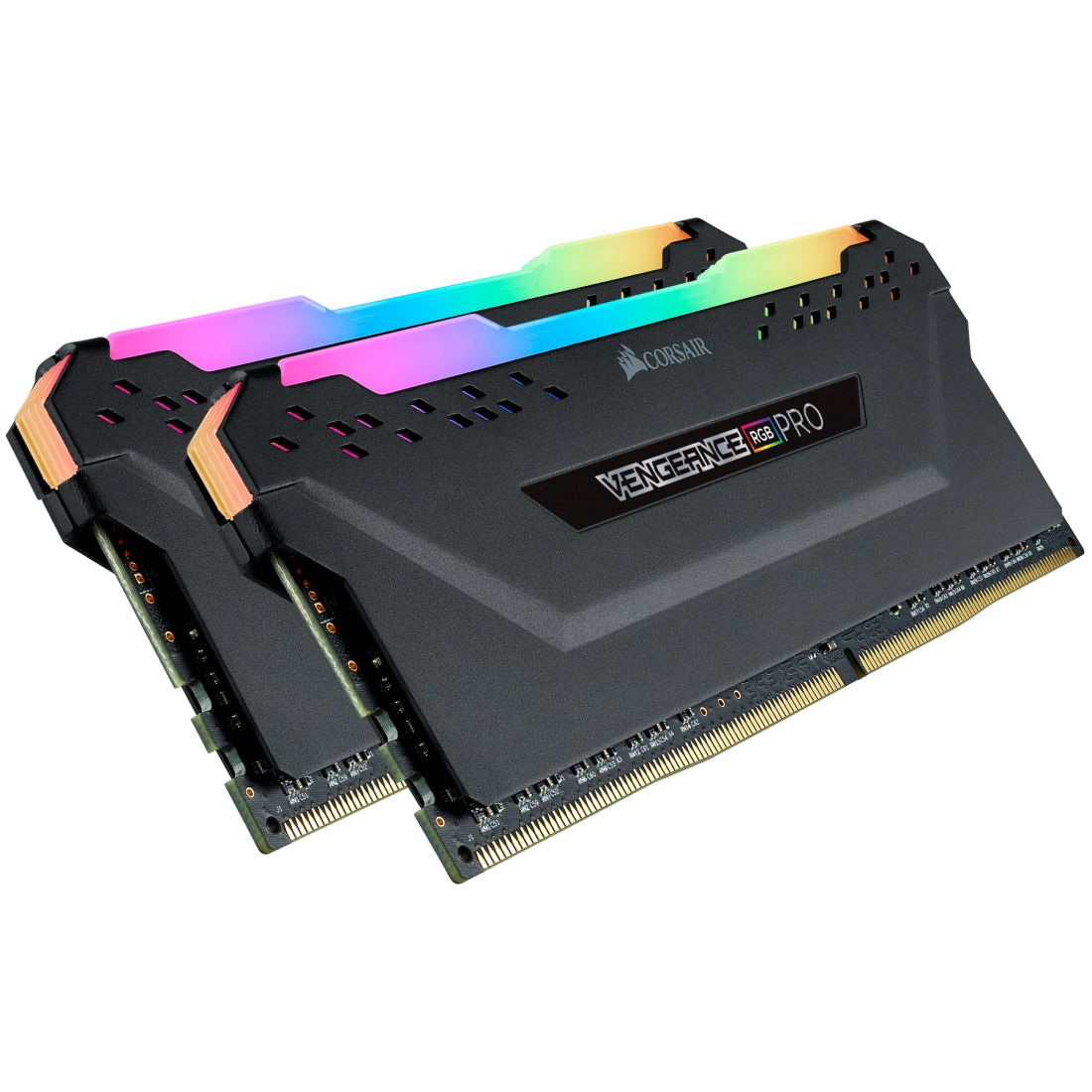
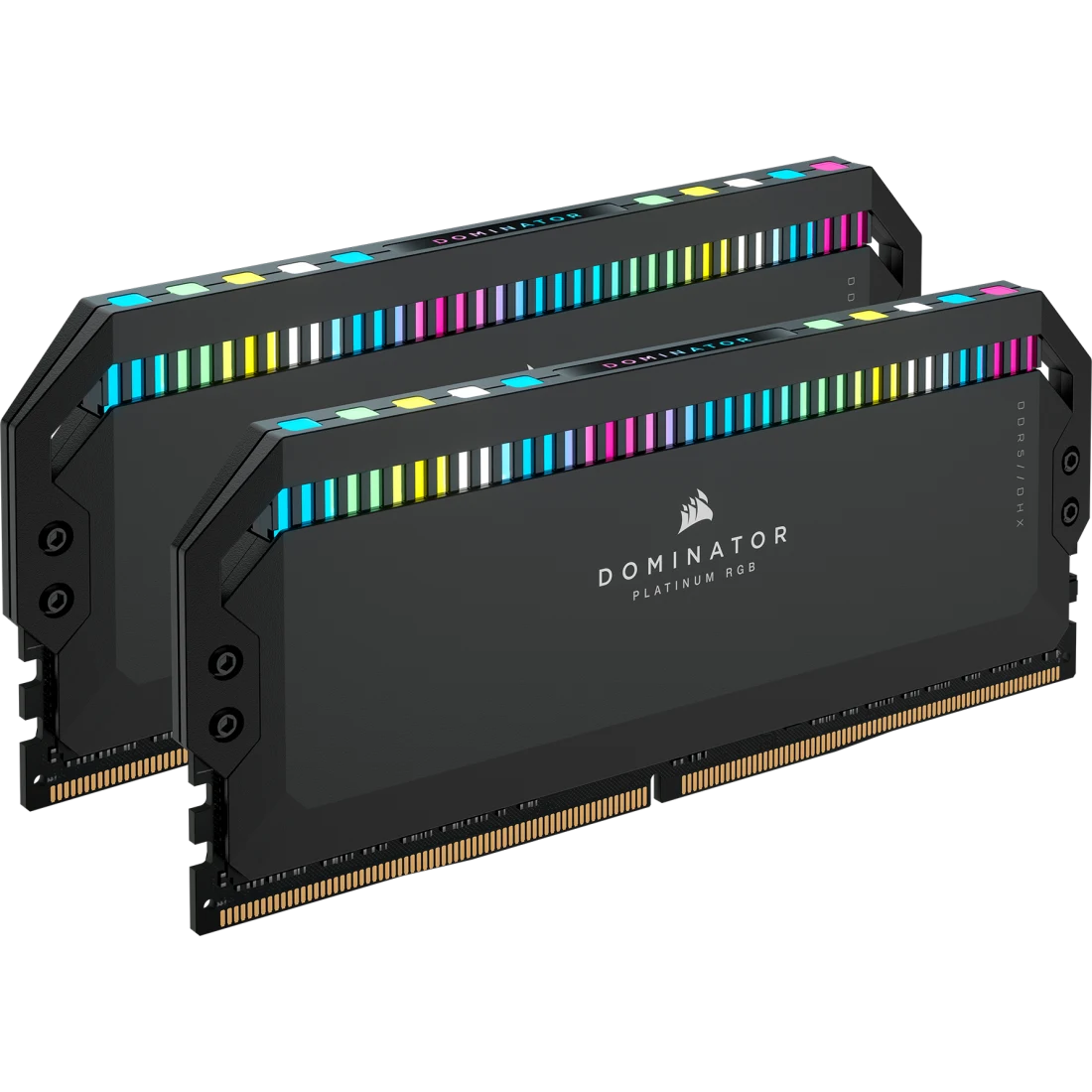
This kit is a reasonable default for an Intel gaming or general-purpose build using two memory slots, and its non-RGB styling suits a subdued system. If you want lighting, the RGB version in the same series exists on this site, and you can see the VENGEANCE DDR5 black versus VENGEANCE RGB DDR5 32GB 6000 comparison. For a kit built around the newer CUDIMM standard, the G.SKILL Trident Z5 CK DDR5 CUDIMM is the example to look at. You can browse everything in the memory category.
All figures on this page come from Corsair's official product page. Prices and stock change frequently and are not quoted here. Before buying, check your motherboard's memory support list for this exact part number, because compatibility at the rated speed depends on the processor, the BIOS version and the number of modules installed.
Product image: Corsair product image.