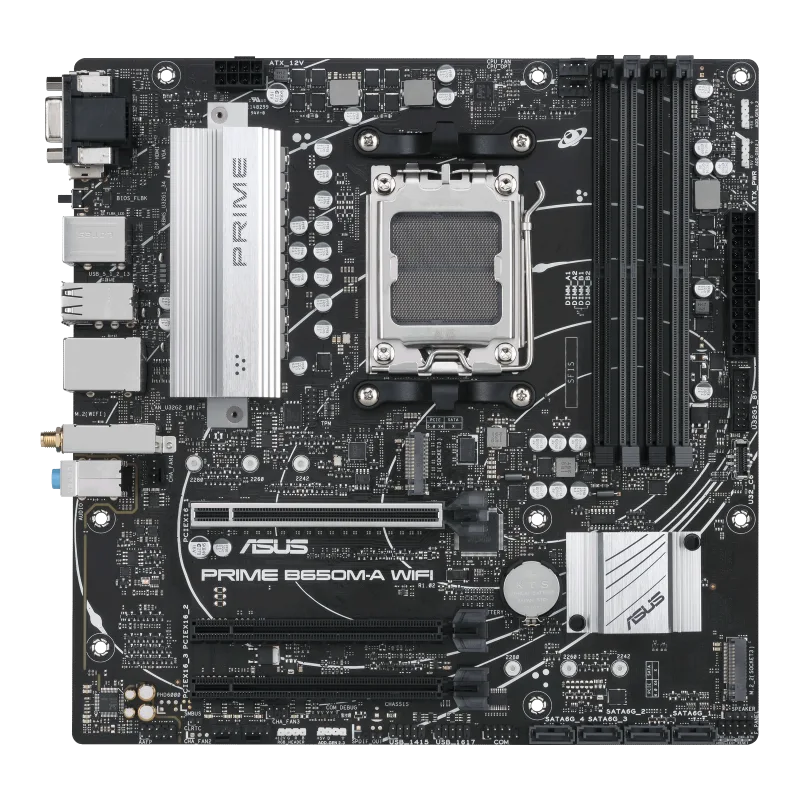
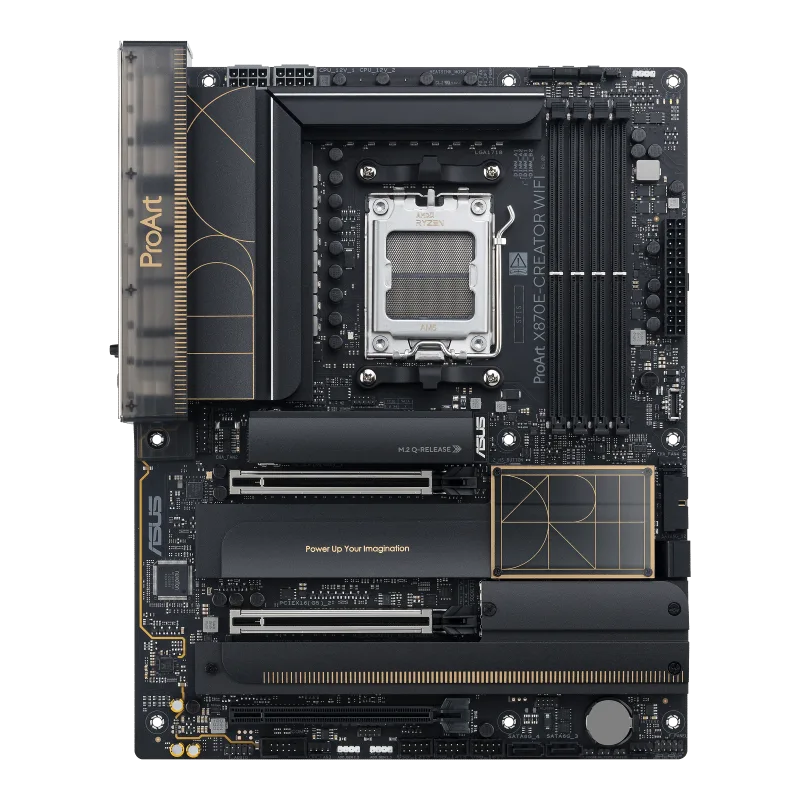
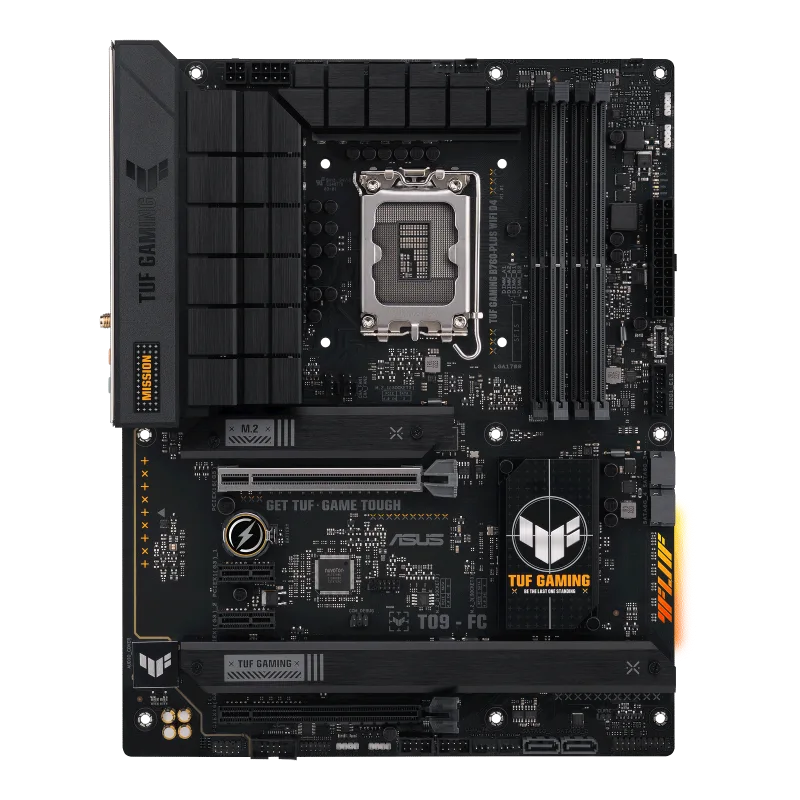
ASUS ROG Strix B850-F Gaming WiFi
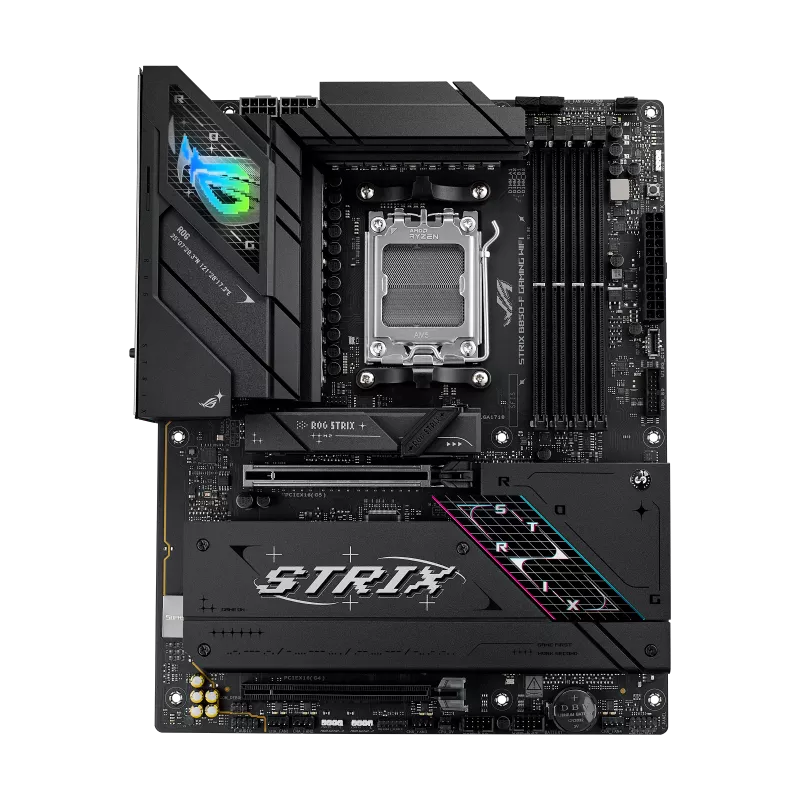
An ATX AM5 board on the B850 chipset with PCIe 5.0 graphics and M.2 slots, four M.2 sockets in total, Wi-Fi 7 and 2.5 Gb Ethernet.
Full Specification Sheet
| Chipset | AMD B850 |
|---|---|
| Socket | AM5 (Ryzen 9000 / 8000 / 7000) |
| Memory | 4x DIMM DDR5, up to 256 GB, 8000+ MT/s (OC), ECC and non-ECC UDIMM |
| Form Factor | ATX |
| Expansion | PCIe 5.0 x16 (CPU) + PCIe 4.0 x16 (x4 mode, chipset) |
| Storage | 4x M.2 (2x PCIe 5.0 x4, 2x PCIe 4.0 x4) + 2x SATA 6Gb/s |
| Networking | Intel 2.5Gb Ethernet, Wi-Fi 7 (2x2, 160 MHz), Bluetooth 5.4 |
| Rear USB | 12 ports incl. 1x USB 20Gbps Type-C |
| Audio | ROG SupremeFX ALC4080, 7.1 |
The ASUS ROG Strix B850-F Gaming WiFi is an ATX motherboard for AMD's AM5 socket built around the B850 chipset. It belongs to ASUS's Republic of Gamers Strix family, the tier that sits between the entry-level lines and the flagship boards, and it targets builders who want current-generation connectivity such as PCIe 5.0, Wi-Fi 7 and a fast USB port without paying for the premium X870E class. It supports AMD Ryzen 9000, 8000 and 7000 series desktop processors, DDR5 memory and four M.2 storage slots. This page goes through the specification published by ASUS, explains the parts that need careful reading, such as how the PCIe and M.2 lanes are shared, and describes who the board suits.
Socket, chipset and memory
The board uses socket AM5 and the AMD B850 chipset, and ASUS lists support for Ryzen 9000, 8000 and 7000 series desktop processors, subject to the CPU support list and a possible BIOS update. B850 is the mainstream tier of AMD's 800-series: it brings PCIe 5.0 to the graphics slot and to M.2 storage for the newest processors, without the additional lanes and USB4 features of the X870 and X870E boards. Our explanation of motherboard chipset tiers shows how B850 fits into the overall range.
Memory support comprises four DIMM slots for DDR5 with a maximum capacity of 256 GB in a dual-channel architecture. ASUS specifies speeds of up to 8000+ MT/s with overclocking on Ryzen 9000, 8000 and 7000 processors, and the board accepts both ECC and non-ECC unbuffered modules; non-ECC DDR5 includes on-die ECC as part of the standard. AMD EXPO profiles and ASUS's own Enhanced Memory Profile (AEMP) are supported. Real-world speeds depend on the processor generation, the memory kit and the number of modules installed: two modules are generally easier to run at high speed than four. A processor such as the AMD Ryzen 7 9700X pairs comfortably with a mainstream board of this type.
Graphics slot and M.2 storage
The main graphics slot is a PCIe 5.0 x16 slot with ASUS's Q-Release Slim mechanism for easier card removal, driven directly by the processor. On Ryzen 9000 and 7000 processors it runs at PCIe 5.0 x16; on Ryzen 8000 series processors it runs at PCIe 4.0 x8 or x4, depending on the processor. A second full-length slot connects through the chipset at PCIe 4.0 and is limited to x4 mode.
Storage is generous for the class. ASUS lists four M.2 slots and two SATA 6 Gb/s ports. With Ryzen 7000 and 9000 processors, M.2_1 (2242/2260/2280) and M.2_2 (2280/22110) both operate in PCIe 5.0 x4 mode, which is the fastest configuration for current NVMe drives. With Ryzen 8000 processors these two slots drop to PCIe 4.0. The chipset provides M.2_3 and M.2_4, both 2280 and PCIe 4.0 x4. The important detail is that M.2_3 shares bandwidth with the chipset's PCIe 4.0 x16 slot: when that slot is in use, M.2_3 is disabled. The topic of sharing lanes between expansion cards and drives is covered in our guide to PCIe lane sharing, and it is worth reading before you plan a build with several drives and add-in cards. AMD RAIDXpert2 is supported, with RAID 0, 1, 5 and 10 on Ryzen 9000 processors, RAID 0 and 1 on Ryzen 8000, and RAID 0, 1 and 10 on Ryzen 7000. The M.2 sockets are covered by heatsinks and use a Q-Latch tool-free retention system.
Networking, USB and audio
Wired networking is provided by an Intel 2.5 Gb Ethernet controller with ASUS LANGuard protection. Wireless networking is 2x2 Wi-Fi 7 (802.11be) across the 2.4, 5 and 6 GHz bands, with support for 160 MHz channel width and a stated transfer rate of up to 2.9 Gbps, plus Bluetooth 5.4. ASUS notes that Windows 11 needs version 24H2 or later for full Wi-Fi 7 functions, and that no Wi-Fi 7 driver is available for Windows 10; see our comparison of Wi-Fi 6E and Wi-Fi 7 on motherboards for the differences in practice.
The rear panel offers twelve USB ports: one USB 20 Gbps Type-C, three 10 Gbps ports (two Type-A and one Type-C), four 5 Gbps Type-A and four USB 2.0 Type-A. Internally there are a USB 10 Gbps header that supports a front-panel Type-C connector, a 5 Gbps header for two more ports, two USB 2.0 headers for four ports and a Thunderbolt (USB4) header for an add-in card. Video outputs are one DisplayPort and one HDMI, for use with processors that include integrated graphics; the DisplayPort supports up to 8K at 30 Hz and the HDMI supports 4K at 60 Hz. Audio uses the ROG SupremeFX 7.1 codec ALC4080 with a Savitech amplifier, a stated signal-to-noise ratio of 120 dB for stereo playback and 110 dB for recording, shielding and an optical S/PDIF output.
Power, cooling and extras
For power, the board has a 24-pin main connector and two 8-pin 12 V CPU connectors, enough for the top Ryzen 9 processors. Cooling headers include a CPU fan header, a CPU optional header, an AIO pump header and four chassis fan headers, plus three Gen 2 addressable RGB headers. The rear panel includes a BIOS FlashBack button and a Clear CMOS button, which help with updating firmware without an installed processor; see our BIOS FlashBack explainer if that feature is new to you. The UEFI BIOS lives in a 256 Mb flash chip, with EZ Mode, CrashFree BIOS 3 recovery, Q-Dashboard and the Armoury Crate software.
Positioning
Practical building notes
A few points from the specification affect real builds. The slot arrangement favours a single graphics card plus one or two fast drives; anyone who wants a capture card or a sound card in the chipset slot should remember that the third M.2 socket will then be unavailable. The two 8-pin CPU power connectors should both be connected on high-end processors, and the addition of a BIOS FlashBack button means that a board can be updated to support a newer Ryzen generation without a compatible processor installed, which is useful when buying a board and processor at different times. The rear I/O is well provisioned for a mainstream board, with a 20 Gbps Type-C port and a generous number of 10 Gbps and 5 Gbps ports, while the single 2.5 Gb Ethernet port is enough for most home connections.
Within the ROG range this board is a mid-tier choice on an AM5 platform. If you want more expansion and connectivity, the step up to X870E is shown in our ROG Strix B850-F versus X870E-E comparison, and you can browse other options in the motherboard category. All data on this page comes from ASUS's official specification. Price and availability vary by market, board revisions can change details, and you should always confirm the current CPU support list and BIOS version with the manufacturer before buying.
Product image: ASUS product image.