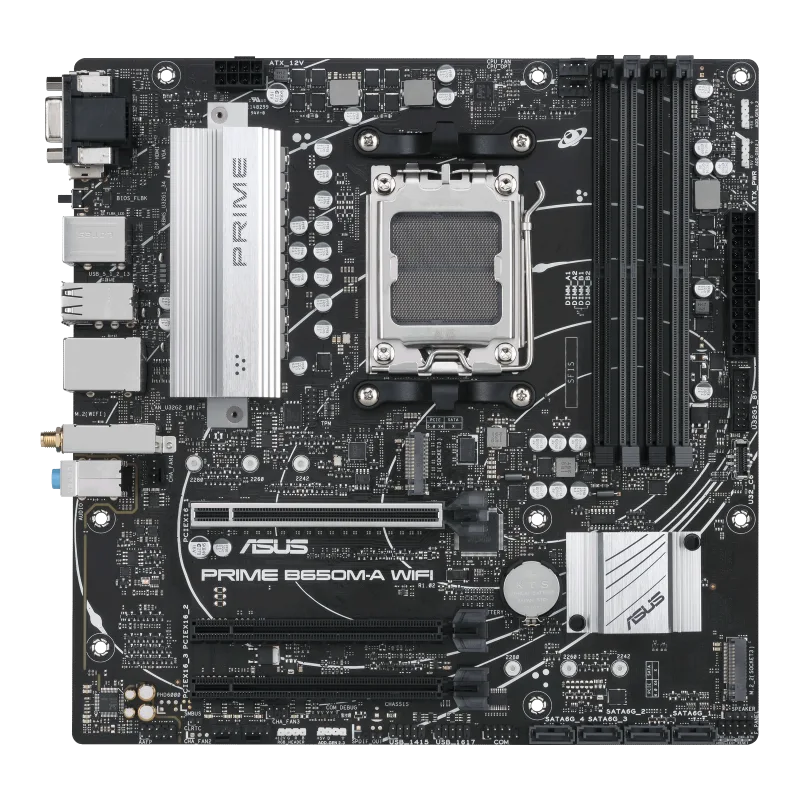
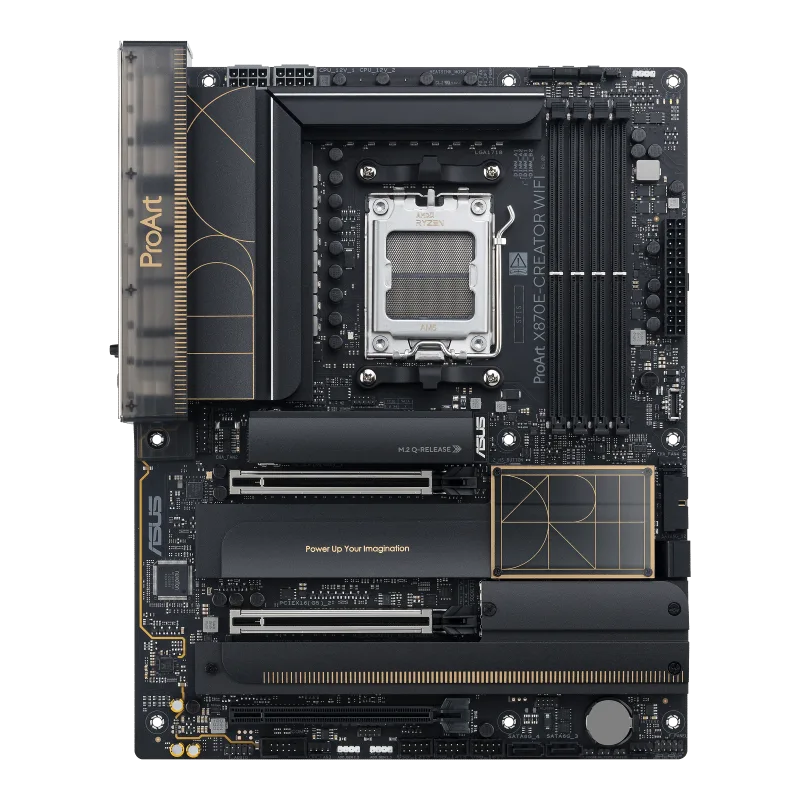
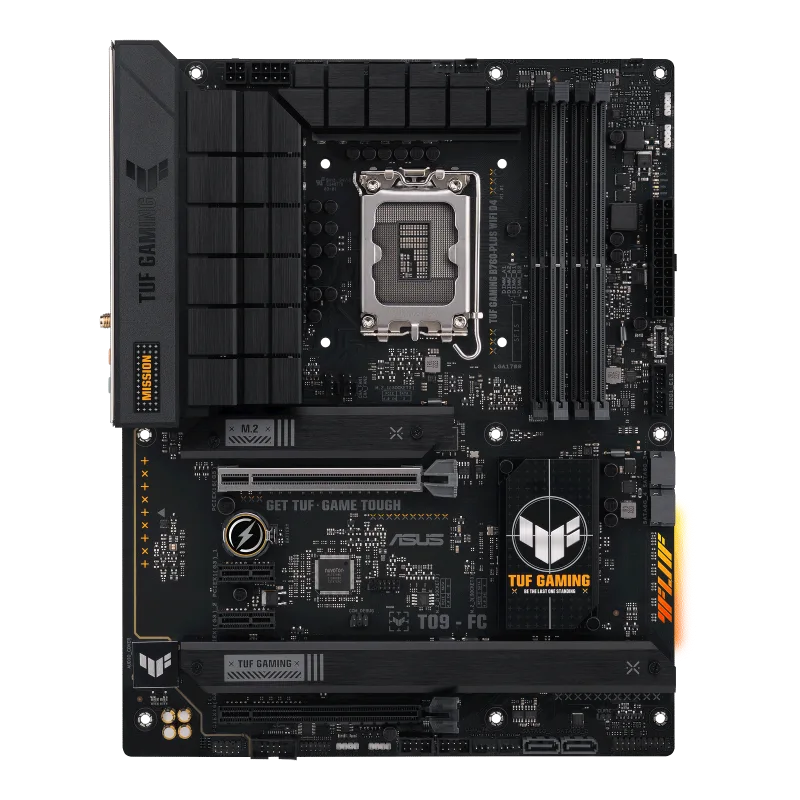
ASUS PRIME X870-P WIFI
An ATX AM5 board on the AMD X870 chipset with two USB4 (40 Gbps) ports, four DDR5 slots up to 8000+ (OC), a PCIe 5.0 x16 slot, four M.2 slots, Wi-Fi 7 and 2.5 Gb Ethernet.
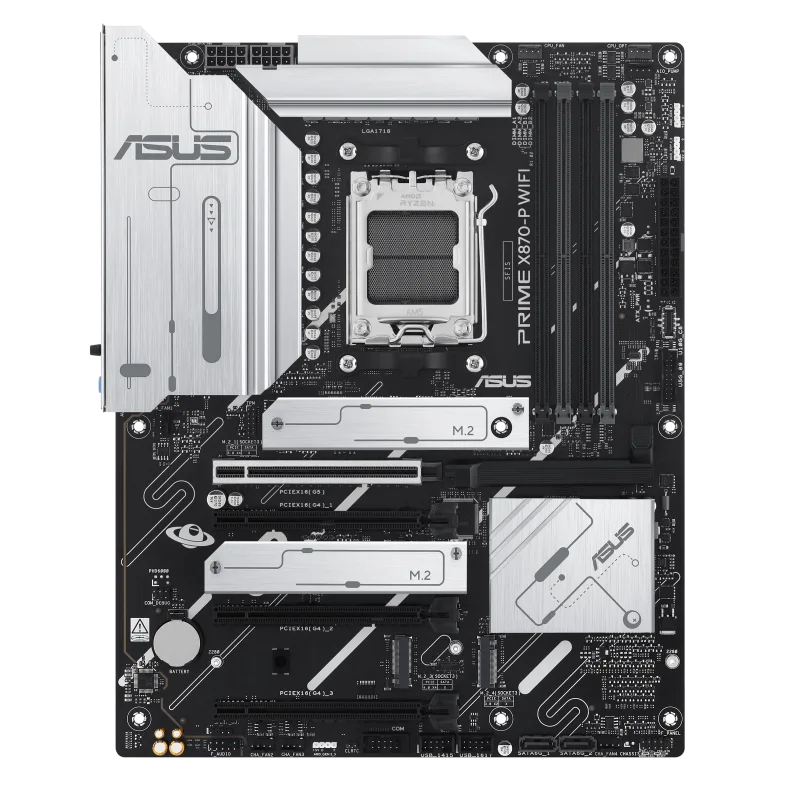
Full Specification Sheet
| Socket | AMD Socket AM5 |
|---|---|
| Chipset | AMD X870 |
| CPU Support | AMD Ryzen 9000, 8000 and 7000 Series desktop processors |
| Memory | 4 x DIMM, up to 256 GB, DDR5 up to 8000+ (OC), ECC and non-ECC, AMD EXPO and AEMP |
| Expansion | 1 x PCIe 5.0 x16 (Ryzen 9000/7000), 3 x PCIe 4.0 x16 (x1 mode, chipset) |
| Storage | 4 x M.2 (M.2_1 PCIe 5.0 x4 with Ryzen 9000/7000) and 2 x SATA 6Gb/s |
| Networking | Realtek 2.5Gb Ethernet, Wi-Fi 7 (802.11be) 2x2, Bluetooth 5.4 |
| Rear USB | 2 x USB4 40Gbps Type-C, 1 x USB 10Gbps, 3 x USB 5Gbps, 4 x USB 2.0 |
| Video Output | HDMI and USB4 Type-C display outputs |
| Audio | Realtek 7.1 Surround Sound HD Audio CODEC |
| Form Factor | ATX, 12 x 9.6 in (30.5 x 24.4 cm) |
The ASUS PRIME X870-P WIFI is an ATX motherboard for the AMD AM5 socket built on the X870 chipset. It is part of ASUS's Prime line, which is the company's mainstream family, and it brings two USB4 ports, four M.2 slots and Wi-Fi 7 to that tier. This page reproduces the specification from ASUS's tech-spec page, explains each entry in practical terms and leaves out anything ASUS does not state, including a price. There are no benchmarks and no tests here, only manufacturer data. Several of the details are written per processor family, so they are worth reading closely before buying.
Processor and chipset support
The socket is AMD AM5, and ASUS lists support for AMD Ryzen 9000, 8000 and 7000 Series desktop processors, with a pointer to the ASUS download center for the definitive support list. The chipset is the AMD X870. What a Ryzen 9000 or 7000 processor receives from this board differs from what a Ryzen 8000 processor receives, and the expansion and storage sections below show where. To understand how chipset tiers relate, see our guide to motherboard chipset tiers, and for the three socket families this board's sockets belong to, our AM4, AM5 and LGA1700 platform guide.
Memory
There are four DIMM slots supporting up to 256 GB of DDR5 in a dual-channel architecture. ASUS lists speeds up to 8000 MT/s and above in overclocked (OC) operation with Ryzen 9000, 8000 and 7000 Series processors, and supports both ECC and non-ECC unbuffered DIMMs, AMD EXPO profiles and the ASUS Enhanced Memory Profile (AEMP). ASUS points out that adjustments are made based on the specifications of mass-produced memory available on the market and that supported types, speeds and module counts vary with the CPU and configuration. The support list on the ASUS site is the reference for any specific kit.
USB4 and video output
A distinctive item on this board is the pair of USB4 ports. ASUS lists two USB4 (40 Gbps) ports on the rear panel, both USB Type-C, and states that they support USB Type-C display outputs up to 4K at 60 Hz as specified in DisplayPort 1.4a. In addition there is one HDMI port supporting 4K at 60 Hz as specified in HDMI 2.1. The graphics specification varies between CPU types. USB4 at 40 Gbps is fast enough for high-speed external storage and docks, a topic covered in our article on USB4 versus Thunderbolt for external NVMe enclosures. There is no DisplayPort connector as such; display output through the Type-C ports is how a monitor would attach to the integrated graphics apart from HDMI.
Expansion slots
With Ryzen 9000 and 7000 Series processors the board provides one PCIe 5.0 x16 slot running in x16 mode. With Ryzen 8000 Series processors that slot runs as PCIe 4.0 x16, supporting x8 or x4 modes depending on the processor. The X870 chipset adds three PCIe 4.0 x16 slots that operate in x1 mode, so they are physically full-length slots offering a single lane. ASUS attaches sharing rules: PCIEX16(G4)_1 shares bandwidth with M.2_2 and is disabled when M.2_2 is in use, while PCIEX16(G4)_2 and PCIEX16(G4)_3 share bandwidth with M.2_3 and are both disabled when M.2_3 runs. Those rules matter for anyone planning to add several cards and drives at once, and the concept is explained in our article on PCIe lane sharing between graphics cards and NVMe drives.
Storage
The board supports four M.2 slots and two SATA 6 Gb/s ports. M.2_1 is a Key M slot for 2280 drives, running PCIe 5.0 x4 with Ryzen 9000 and 7000 Series processors and PCIe 4.0 x4 with Ryzen 8000. M.2_2 accepts 2242, 2260 and 2280 drives at PCIe 4.0 x4, M.2_3 accepts 2280 drives at PCIe 4.0 x4, and M.2_4 accepts 2280 drives at PCIe 3.0 x2. ASUS notes that M.2_4 shares bandwidth with SATA6G_1 and SATA6G_2 and is disabled when either SATA port is used. AMD RAIDXpert2 supports RAID 0, 1, 5 and 10 with Ryzen 9000, RAID 0 and 1 with Ryzen 8000 and RAID 0, 1 and 10 with Ryzen 7000. The design favours NVMe storage: four M.2 slots but only two SATA ports.
Networking
Wired networking is a Realtek 2.5 Gb Ethernet port with ASUS LANGuard protection. Wireless is a 2x2 Wi-Fi 7 (802.11be) module supporting the 2.4, 5 and 6 GHz bands with 160 MHz channels and up to 2.9 Gbps, plus Bluetooth 5.4. ASUS notes that Wi-Fi features depend on the operating system, that Wi-Fi 7 needs Windows 11 24H2 or later for full function and earlier Windows 11 releases support only Wi-Fi 6E, that 6 GHz availability is regulated differently between countries and that the Bluetooth version depends on the module maker.
USB and audio
The rear panel provides ten USB ports: two USB4 Type-C at 40 Gbps, one USB 10 Gbps Type-A, three USB 5 Gbps Type-A and four USB 2.0 Type-A. Internally there are seven more: one 10 Gbps connector supporting Type-C, one 5 Gbps header for two more ports and two USB 2.0 headers for four more. ASUS gives the Type-C power delivery output as a maximum of 5 V at 3 A. Audio is a Realtek 7.1 Surround Sound High Definition Audio CODEC with jack detection, multi-streaming and front-panel jack retasking, supporting playback up to 24-bit and 192 kHz, with audio shielding, premium audio capacitors and dedicated audio PCB layers. A chassis with an HD audio module in the front panel is required for 7.1 output. The rear panel also carries three audio jacks, the Wi-Fi antenna connection and a BIOS FlashBack button.
Power, headers and protection
Power comes from a 24-pin main connector and two 8-pin 12 V CPU connectors. Cooling headers are one CPU fan, one CPU OPT fan, one AIO pump and four chassis fans. Other headers are three addressable Gen 2 headers, clear CMOS, a COM port, front-panel audio, S/PDIF out, an SPI TPM header, the 10-1 pin system panel header, and the front USB connectors. ASUS groups protection as 5X PROTECTION III: a digital VRM power design with DrMOS, LANGuard, overvoltage protection, SafeSlot and a stainless-steel back I/O. Thermal features include a flexible M.2 heatsink and a VRM heatsink.
Q-Design, BIOS and software
The Q-Design set lists the M.2 Q-Latch, PCIe Slot Q-Release, Q-Antenna, Q-Dashboard, Q-DIMM, Q-LED Core and Q-Slot, and the EZ DIY set includes the BIOS FlashBack button and LED, a pre-mounted I/O shield and SafeSlot. BIOS FlashBack lets you update firmware from a USB drive without a working processor, described in our explainer on BIOS and UEFI FlashBack. Software includes Armoury Crate with Aura Creator, Aura Sync, Fan Xpert 4 with AI Cooling II and power saving, DriverHub, GlideX, TurboV Core, CPU-Z, and trials of Norton 360 Deluxe and WinRAR. The UEFI BIOS is on a 256 Mb flash ROM with CrashFree BIOS 3, EZ Flash 3, EZ Mode and MyHotkey.
Size and box contents
The board is ATX at 12 by 9.6 inches (30.5 by 24.4 cm) and lists Windows 11 as its operating system. The box includes two SATA cables, the WiFi Q-Antenna, an M.2 rubber package, two screw packages for M.2 SSDs and a quick start guide. For a side-by-side view with a more expensive X870E board in our database, open the comparison with the ROG STRIX X870E-E GAMING WIFI, and browse the motherboard category for alternatives. Every figure above is an ASUS specification, not a measured result.