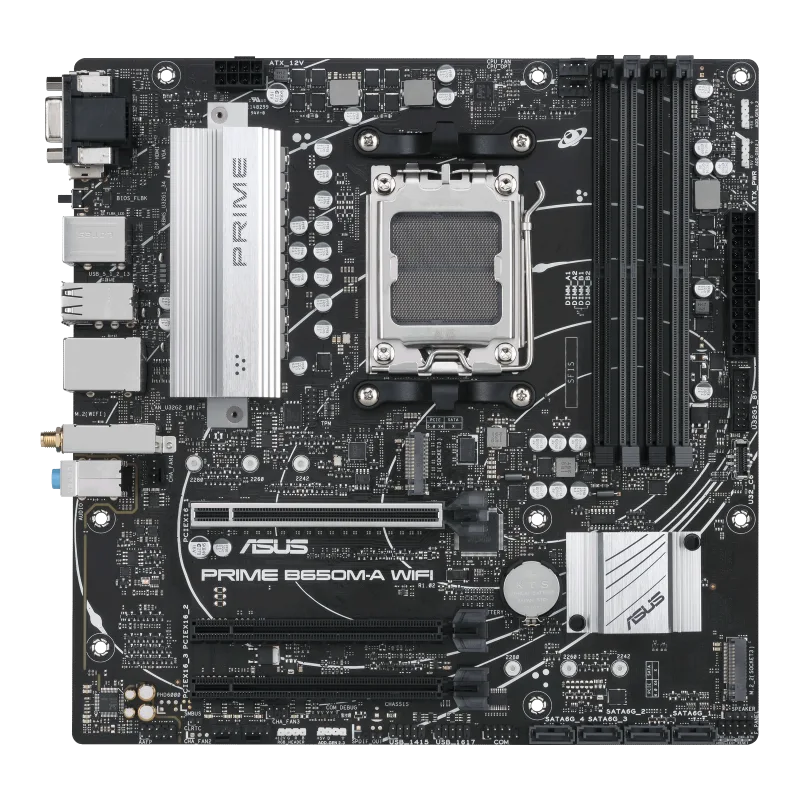
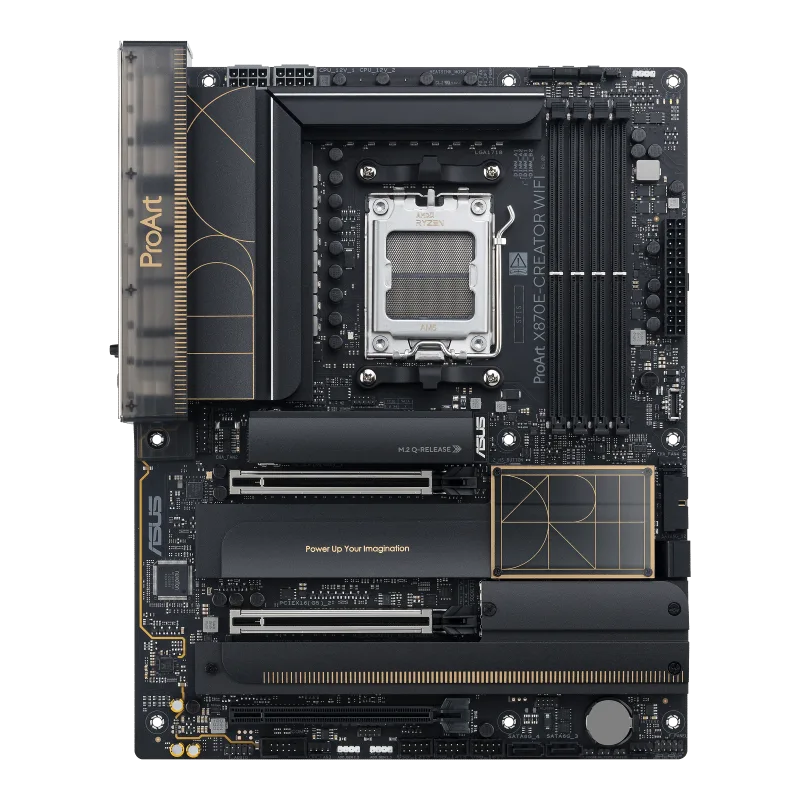
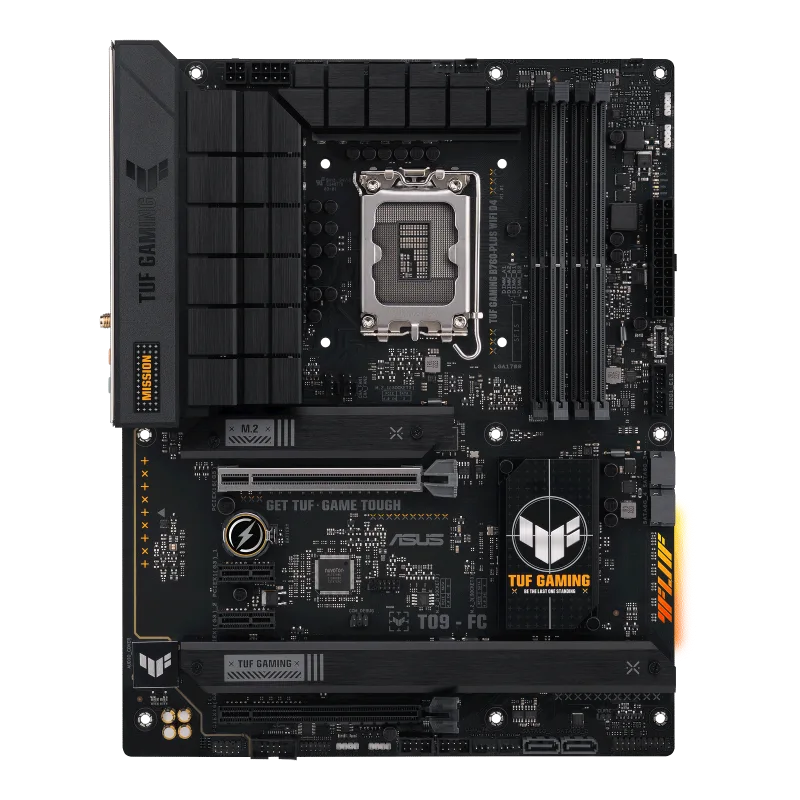
ASUS PRIME H610M-K D4
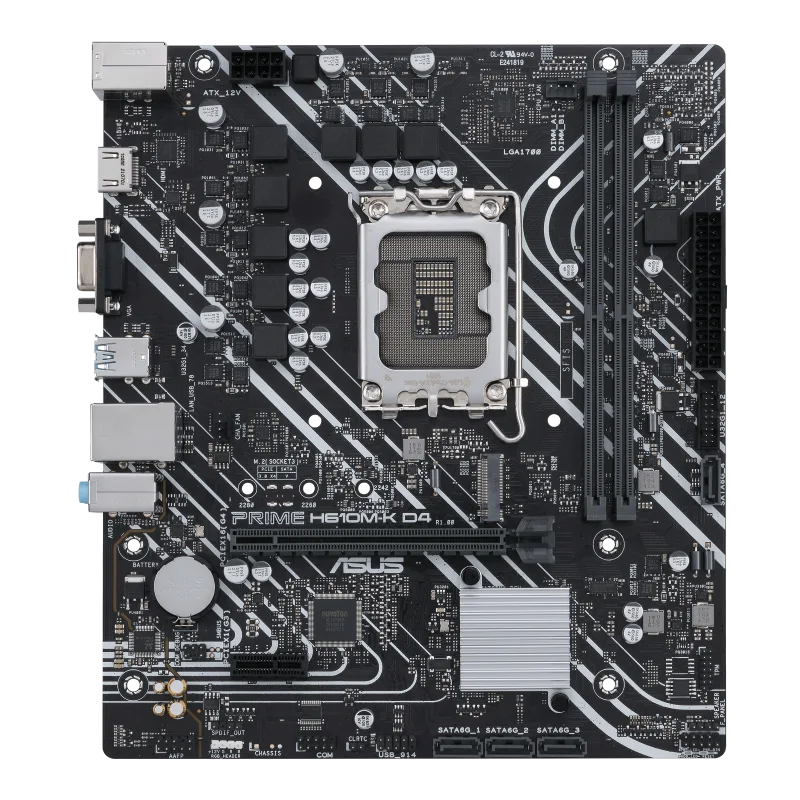
A compact micro-ATX LGA1700 board on the Intel H610 chipset with two DDR4 slots up to 3200, a PCIe 4.0 x16 slot, one M.2 slot, four SATA ports, 1 Gb Ethernet and D-Sub and HDMI outputs.
Full Specification Sheet
| Socket | Intel LGA1700 |
|---|---|
| Chipset | Intel H610 |
| CPU Support | Intel Core 14th, 13th and 12th Gen, Pentium Gold and Celeron |
| Memory | 2 x DIMM, up to 64 GB, DDR4 up to 3200, non-ECC, Intel XMP |
| Expansion | 1 x PCIe 4.0 x16 (CPU), 1 x PCIe 3.0 x1 |
| Storage | 1 x M.2 (PCIe 3.0 x4 and SATA modes) and 4 x SATA 6Gb/s |
| Networking | Realtek 1Gb Ethernet |
| Rear USB | 2 x USB 3.2 Gen 1, 4 x USB 2.0 |
| Video Output | D-Sub, HDMI |
| Audio | Realtek 7.1 Surround Sound HD Audio CODEC |
| Form Factor | Micro-ATX, 9.2 x 8.0 in (23.4 x 20.3 cm) |
The ASUS PRIME H610M-K D4 is a micro-ATX motherboard for Intel's LGA1700 socket built on the entry-level H610 chipset, and the D4 in its name denotes DDR4 memory. It sits at the simple, low-cost end of ASUS's Prime line, and its specification is short on extras and long on basics: two memory slots, one PCI Express 4.0 x16 slot, one M.2 slot, four SATA ports, gigabit Ethernet and a modest USB complement. This page sets out what ASUS's tech-spec page states, explains each item in terms of what it means when building a system and leaves out everything ASUS does not say, including any price. It contains no benchmark and no test result.
Processor and chipset support
The socket is LGA1700 and ASUS lists support for Intel Core 14th and 13th generation processors, Intel Core 12th generation, and Pentium Gold and Celeron processors, referring buyers to the ASUS website for the CPU support list. The board supports Intel Turbo Boost Technology 2.0 and Turbo Boost Max Technology 3.0, with the latter depending on the processor type. The chipset is the Intel H610, the most basic tier in this generation, which is why several features found on higher chipsets are absent here. That is not a flaw in itself: it means a lower price and a simpler board for builds that do not need them. If chipset tiers are new to you, our guide to motherboard chipset tiers explains what H610 offers relative to the others. A processor this board supports is described in our Intel Core i7-14700K entry, although a board at this level is more likely to pair with a modest CPU.
Memory: two DDR4 slots
There are two DIMM slots supporting up to 64 GB of DDR4 memory in a dual-channel architecture. ASUS lists the supported speeds as 3200, 3000, 2933, 2800, 2666, 2400 and 2133, and the memory is non-ECC and unbuffered. The board supports Intel Extreme Memory Profile (XMP), the mechanism by which a memory kit stores a faster speed than the base setting. ASUS notes that the actual data rate depends on the processor and the memory modules. Two slots and DDR4 are the defining trade-offs of this board: you cannot fit a four-module kit, and DDR5 kits will not physically fit. That suits a budget build reusing DDR4 memory. For the wider choice between generations, see our DDR5 versus DDR4 buying guide.
Graphics output
Display output uses the processor's integrated graphics through one D-Sub (VGA) port and one HDMI port. ASUS states that HDMI supports 4K at 60 Hz as specified in HDMI 2.1 and adds that graphics specifications may vary between CPU types. With no DisplayPort on the rear panel, a monitor connects by HDMI or through the older D-Sub connector. A board like this often serves an office or home PC that uses integrated graphics, though the PCIe slot allows a graphics card to be added later.
Expansion slots
The processor provides one PCIe 4.0 x16 slot, and the H610 chipset provides one PCIe 3.0 x1 slot. The board therefore has room for a single graphics card and one small add-in card such as a Wi-Fi or sound card. Note that ASUS lists no Wi-Fi module, no M.2 Key E slot and no Bluetooth on this model in its specification, so wireless would need a separate adapter. If you need more slots or more lanes, a larger board on a higher chipset is the logical step, and our guide to ATX, micro-ATX and mini-ITX form factors explains the trade-off between board size and expansion.
Storage
The board supports one M.2 slot and four SATA 6 Gb/s ports. The M.2 slot is a Key M slot accepting 2242, 2260 and 2280 drives and supports both PCIe 3.0 x4 and SATA modes. ASUS warns that the M.2 slot shares bandwidth with the SATA6G_4 port: if a device in SATA mode is installed in the M.2 slot, the SATA6G_4 port cannot be used. A PCIe drive in that slot does not cause the conflict described. The practical result is one fast NVMe drive plus up to four SATA devices, which is enough for a system drive and a couple of bulk drives. Our guide to M.2 versus SATA SSDs describes what each connection type offers.
Networking, USB and audio
Wired networking is a Realtek 1 Gb Ethernet port. The rear panel has six USB ports: two USB 3.2 Gen 1 Type-A and four USB 2.0 Type-A. Internally there are four more: one USB 3.2 Gen 1 header that supports two additional ports and one USB 2.0 header that supports two additional ports. There is no USB Type-C port on the rear. Audio is a Realtek 7.1 Surround Sound High Definition Audio CODEC with jack detection, multi-streaming and front-panel jack retasking, supporting playback up to 24-bit and 192 kHz, with audio shielding and dedicated audio PCB layers. A chassis with an HD audio module in the front panel is needed for 7.1 output. The rear panel also carries a PS/2 keyboard and mouse combo port and three audio jacks.
Power, headers and protection
Power comes from a 24-pin main connector and one 8-pin 12 V connector. Fan headers are one CPU fan and one chassis fan, which is fewer than on larger boards and worth remembering if you plan several case fans. Other headers are one RGB header, clear CMOS, a COM port, front-panel audio, S/PDIF out, a speaker header, an SPI TPM header and a 10-1 pin system panel header. ASUS lists 5X PROTECTION III with DIGI+ VRM, LANGuard, overvoltage protection, SafeSlot Core and a stainless-steel back I/O, plus Q-DIMM and Q-Slot from its Q-Design set. Cooling is an aluminum heatsink design. The Prime label signals a simple, reliable board rather than an enthusiast one.
BIOS, software and box contents
The UEFI BIOS is on a 128 Mb flash ROM with CrashFree BIOS 3, EZ Flash 3 and EZ Mode. Software includes Armoury Crate, AI Suite 3 with performance and power-saving tools, TurboV EVO, EPU, DIGI+ VRM and Fan Xpert, CPU-Z, an antivirus trial and WinRAR. The operating systems listed are 64-bit Windows 11 and Windows 10. The board is micro-ATX at 9.2 by 8.0 inches (23.4 by 20.3 cm), and the box includes two SATA cables, an I/O shield, an M.2 anchor, a support DVD and a user guide. Because so many home and office builds start from a budget platform, our budget gaming PC build guide shows how a board like this fits into a cost-conscious plan.
Where it fits
The PRIME H610M-K D4 is a starter board: DDR4, two memory slots, one M.2, gigabit Ethernet and a small footprint. To see how it compares with a fuller LGA1700 board in our database, open the comparison with the PRIME B760-PLUS or browse the motherboard category. Every figure above is an ASUS specification, not a measured result.