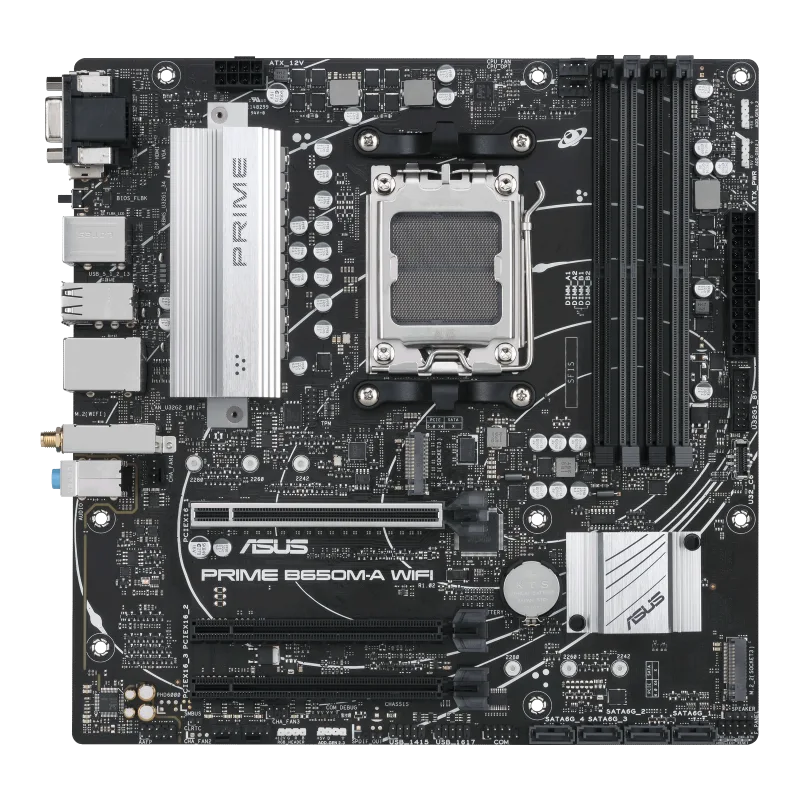
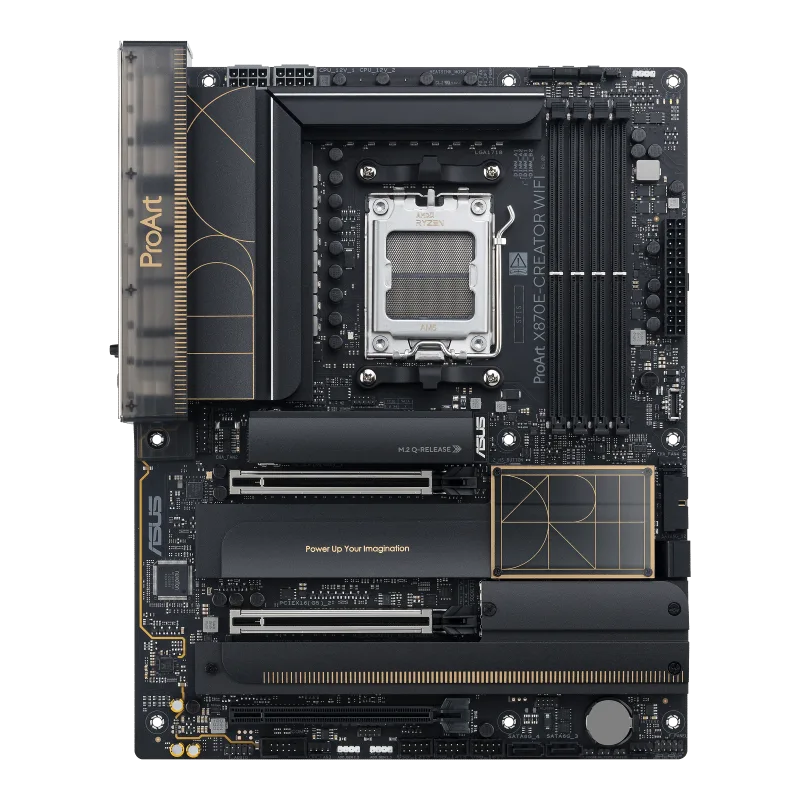
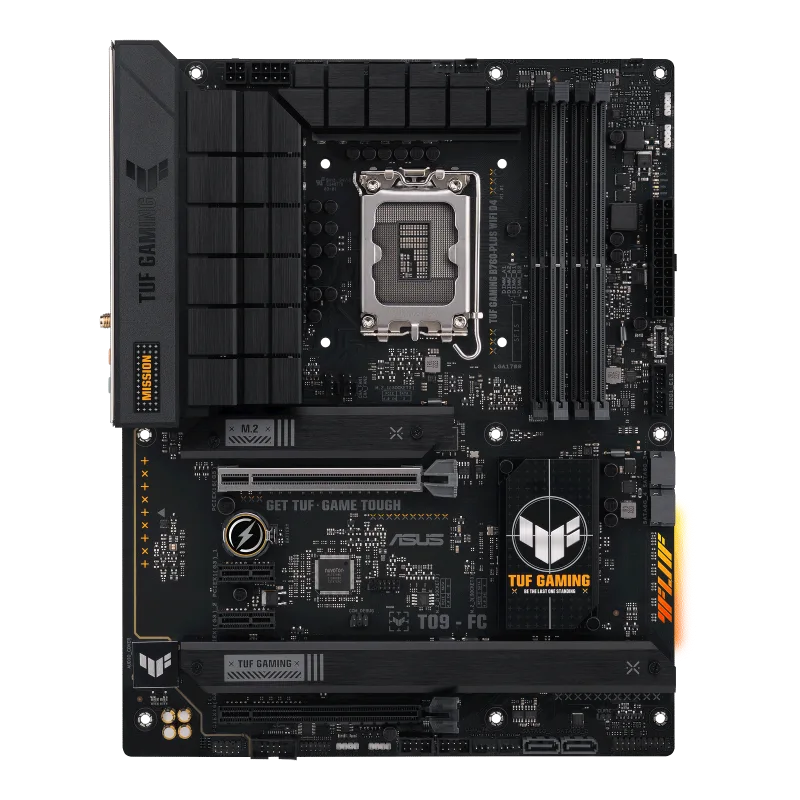
ASUS ROG Crosshair X870E Hero
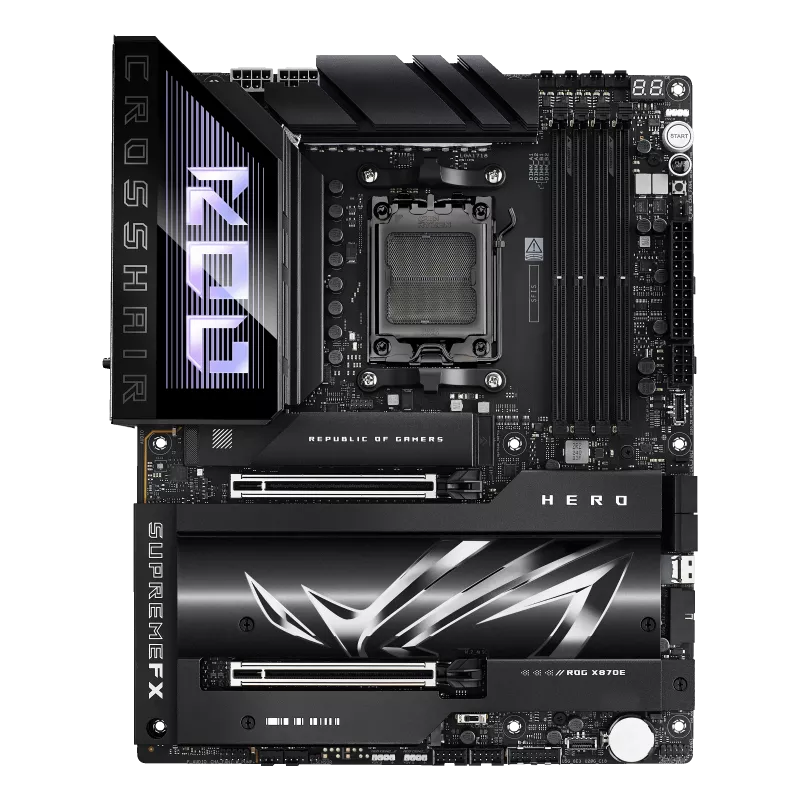
A flagship ATX AM5 board on the X870E chipset with dual PCIe 5.0 x16 slots, five M.2 slots, dual USB4, two Ethernet ports and Wi-Fi 7.
Full Specification Sheet
| Chipset | AMD X870E |
|---|---|
| Socket | AM5 (Ryzen 9000 / 8000 / 7000) |
| Memory | 4x DIMM DDR5, up to 256 GB, 8200+ MT/s (OC) with Ryzen 9000, ECC and non-ECC UDIMM |
| Form Factor | ATX |
| Expansion | 2x PCIe 5.0 x16 (x16 or x8/x8 or x8/x4/x4) with Ryzen 9000 / 7000 |
| Storage | 5x M.2 (3x PCIe 5.0 x4, 2x PCIe 4.0 x4) + 1x SlimSAS + 4x SATA 6Gb/s |
| Networking | Intel 2.5Gb + Realtek 5Gb Ethernet, Wi-Fi 7 (2x2, 320 MHz), Bluetooth 5.4 |
| Rear USB | 10 ports incl. 2x USB4 (40Gbps) and 8x USB 10Gbps |
| Audio | ROG SupremeFX ALC4082, ESS ES9219 Quad DAC |
The ASUS ROG Crosshair X870E Hero is a flagship ATX motherboard for AMD's AM5 socket, built on the X870E chipset. In the Republic of Gamers range the Crosshair name is the AMD counterpart of the Maximus family for Intel, and the Hero sits just below the most extreme special editions, which makes it the enthusiast-grade choice for anyone building around a Ryzen 9000, 8000 or 7000 series desktop processor. It supports DDR5 memory at very high overclocked speeds, offers two full PCIe 5.0 x16 slots, five M.2 sockets, two USB4 ports and a full set of overclocking aids. This page sets out the published specification, explains how the lanes are arranged and points out the details that matter for real builds.
Processor support and memory
The board uses socket AM5 and the AMD X870E chipset, with support for Ryzen 9000, 8000 and 7000 series desktop processors, subject to the CPU support list and BIOS version. X870E is the top tier of AMD's 800-series: it combines the processor's PCIe 5.0 lanes with the chipset's additional connectivity, and is aimed at builders who want the maximum from AM5. Our explanation of chipset tiers shows how it relates to the lower B850 and X870 boards.
Memory support consists of four DIMM slots with a maximum of 256 GB of DDR5 in a dual-channel arrangement. ASUS specifies speeds of up to 8200+ MT/s with overclocking on Ryzen 9000 series processors, 8600+ MT/s on Ryzen 8000 and 8000+ MT/s on Ryzen 7000, for ECC and non-ECC unbuffered modules. The board supports AMD EXPO profiles, ASUS's AEMP profile and the NitroPath DRAM technology, a shorter and better-shielded route for the memory signals that ASUS uses to reach higher speeds. Reaching these figures requires a suitable memory kit and processor, and results vary by sample; our explanation of XMP and EXPO profiles describes how the profile system works. A flagship processor such as the AMD Ryzen 9 9950X is a natural partner for a board of this class.
PCIe slots and storage
The expansion arrangement is a strength of the X870E class. With Ryzen 9000 and 7000 series processors, the board provides two PCIe 5.0 x16 slots with ASUS's Q-Release Slim mechanism, which can run as x16 with a single card, as x8/x8 with two cards, or as x8/x4/x4 when a third device uses part of the bandwidth. This is what allows two graphics cards, or a graphics card plus a capture or accelerator card, to run at Gen5 speeds. With Ryzen 8000 series processors, ASUS notes that the two slots operate at PCIe 4.0 and that the second slot is disabled while the first receives the total bandwidth of x8 or x4, depending on the processor model.
Storage support is listed as five M.2 slots, one SlimSAS connector and four SATA 6 Gb/s ports. On Ryzen 9000 and 7000, M.2_1, M.2_2 and M.2_3 (all 2242/2260/2280) run in PCIe 5.0 x4 mode, the fastest current configuration, while M.2_4 and M.2_5 come from the chipset in PCIe 4.0 x4 mode. The SlimSAS connector supports PCIe 4.0 x4. On Ryzen 8000, M.2_1 works at PCIe 4.0 x4 and the second and third sockets are not supported, and readers with an 8000-series chip should check the table on ASUS's page before planning a drive layout. RAID is provided by AMD RAIDXpert2, with RAID 0, 1, 5 and 10 on Ryzen 9000, RAID 0 and 1 on Ryzen 8000 and RAID 0, 1 and 10 on Ryzen 7000. The M.2 sockets have heatsinks, a backplate and tool-free retention.
Networking and connectivity
Two wired networks are provided, an Intel 2.5 Gb controller and a Realtek 5 Gb controller, with ASUS LANGuard protection. Wireless is 2x2 Wi-Fi 7 (802.11be), listed as using either a Qualcomm QCNCM865 or a MediaTek MT7927 module, on the 2.4, 5 and 6 GHz bands with 320 MHz channel support, plus Bluetooth 5.4. ASUS notes that Windows 11 needs version 24H2 or later for full Wi-Fi 7 functionality.
The rear panel carries ten USB ports: two USB4 (40 Gbps) Type-C ports that support USB Type-C display output, and eight USB 10 Gbps ports (six Type-A and two Type-C), plus an HDMI port, the Wi-Fi antenna connector, the two Ethernet jacks, gold-plated audio jacks, an optical S/PDIF output, and BIOS FlashBack and Clear CMOS buttons. For front-panel connections there are two USB 20 Gbps connectors (one with up to 60 W power delivery), two 5 Gbps headers and two USB 2.0 headers. The two USB4 ports matter for fast external storage and for connecting displays or docks, and our comparison of USB4 and Thunderbolt for external NVMe enclosures explains what to look for.
Audio, power and overclocking features
Audio comes from the ROG SupremeFX 7.1 codec ALC4082 with an ESS ES9219 Quad DAC, a stated 120 dB signal-to-noise ratio for playback and 110 dB for recording, shielding and an optical output. Power connections include a 24-pin main connector, two 8-pin 12 V CPU connectors and an 8-pin PCIe connector. ASUS lists its Extreme Engine Digi+ power design with 10K black metallic capacitors and MicroFine alloy chokes, a VRM heatsink and a metal backplate. For power users, the Extreme OC Kit adds a FlexKey button, ReTry and Start buttons, an LN2 mode jumper for extreme cooling, a thermal sensor header and an Alteration PCIe mode switch, together with the Q-Code display and a Q-LED diagnostic set for CPU, DRAM, graphics and boot device. What separates strong power delivery from average designs is discussed in our VRM quality explainer.
Cooling connections include a CPU fan header, a CPU optional header, an AIO pump header, four chassis fan headers and a water-pump header, plus three addressable Gen 2 RGB headers. Software support comes from Armoury Crate, Fan Xpert 4 with AI Cooling II and the AI Overclocking Guide, and the BIOS provides EZ Mode, CrashFree BIOS 3 and Q-Dashboard.
A note on lane sharing
Two PCIe 5.0 x16 slots do not mean two full x16 links. Both slots draw on the same processor lanes, so installing a second card divides them into x8/x8, and a third device takes the arrangement to x8/x4/x4. For a single high-end graphics card this is irrelevant, and for most cards running at x8 PCIe 5.0 the practical impact on games is small, but it is a fact worth knowing before you design a multi-card build. The chipset lanes feed the remaining M.2 sockets and the SATA ports independently of this arrangement.
Who it suits and how to choose
The X870E Hero suits builders who want the maximum of AM5: two Gen5 x16 slots, many M.2 sockets, USB4 and very high memory speeds. If you only need a single graphics card and two or three drives, a B850 or X870 board will serve as well and cost less. Within the site, the ROG Crosshair X870E Hero versus ROG Strix X870E-E comparison shows what the flagship adds over the Strix model, and further options are listed in the motherboard category. All information on this page comes from ASUS's official specification; prices, accessories and BIOS support vary by region and revision, so confirm details with your retailer and the manufacturer before ordering.
Product image: ASUS product image.