Do You Need a Discrete GPU? Integrated Graphics Explained
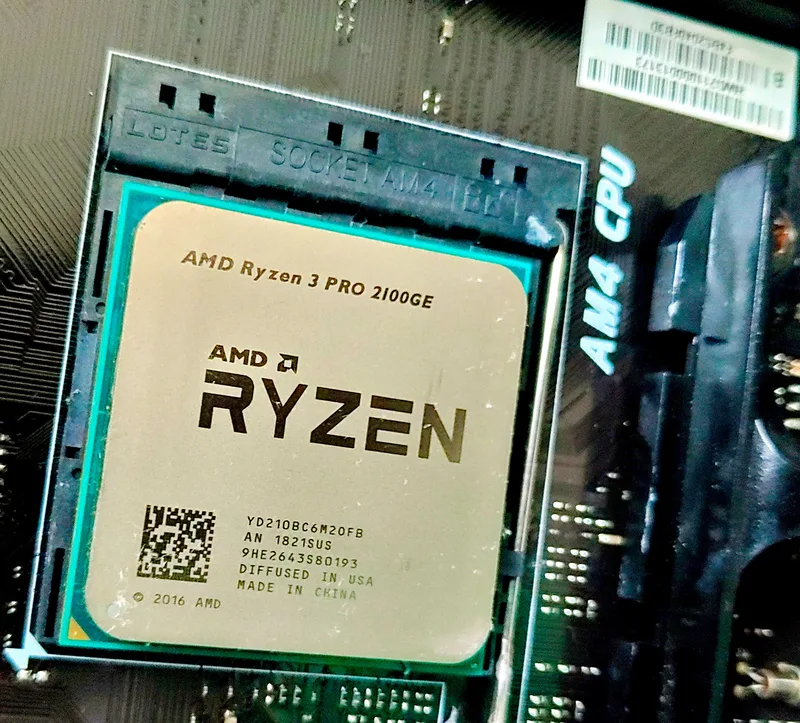
Every modern desktop CPU from AMD and most from Intel now ships with some form of graphics silicon baked directly onto the processor die. For years, integrated graphics were treated as an afterthought — good enough to display a desktop, useless for anything else. That assumption is increasingly out of date, and it means a lot of PC builders are paying for a discrete graphics card they may not strictly need, or skipping one when they actually should buy it. This guide walks through what integrated graphics can and cannot do in 2026, using real current hardware as reference points rather than vague generalities.
What "integrated" actually means
An integrated GPU (iGPU) shares the same silicon die and the same memory pool as the CPU. Instead of dedicated GDDR6 or GDDR6X video memory on its own board, it borrows a slice of your system's regular DDR4 or DDR5 RAM through the memory controller. That's the single biggest limiting factor for integrated graphics: system RAM bandwidth is dramatically lower than what a discrete card's dedicated memory bus provides, and that bandwidth ceiling caps how much rendering work the iGPU can do before it starves.
Desktop CPUs in the AMD Ryzen line with a "G" suffix (like the Ryzen 5 8600G) carry a meaningfully strong iGPU based on RDNA graphics architecture, while the flagship AMD Ryzen 9 7950X includes a much smaller RDNA2-based iGPU intended purely as a display-output fallback rather than a gaming solution. Intel's non-F-suffix desktop chips include UHD Graphics or, on newer generations, Xe-based graphics that are similarly modest. The presence of an iGPU on a flagship CPU like the 7950X does not mean it was designed to replace a graphics card — it exists so the system can post a display, run a diagnostic, or handle basic desktop work even before a GPU is installed.
What integrated graphics can actually do well
For office work, web browsing, video playback (including 4K HDR video with proper decode support), and light photo editing, an iGPU is completely sufficient and has been for close to a decade. Most integrated graphics solutions also include dedicated video encode/decode blocks that handle H.264, H.265/HEVC, and increasingly AV1 without touching the CPU cores at all — genuinely useful for video calls, streaming playback, or even light video export work.
Where it gets more interesting is esports and older titles. Games like Counter-Strike 2, League of Legends, Valorant, or Rocket League can run acceptably on stronger integrated graphics like AMD's Radeon 780M (found in recent APUs) at 1080p with reduced settings, often landing in the 40-70 fps range depending on the specific title and scene complexity. That's playable, even if it's not the smooth high-refresh experience a dedicated card like the Radeon RX 6600 XT would deliver in the same games.
Where integrated graphics fall apart
Modern AAA titles at native resolution with meaningful settings are where the memory bandwidth ceiling becomes obvious. A game that a discrete GPU with 8GB or more of dedicated GDDR6 handles at 60+ fps will frequently drop to single-digit or low-teens frame rates on integrated graphics at the same settings, because the iGPU is fighting the CPU cores for the same limited memory bandwidth while also lacking the raw shader throughput of even a modest discrete card. Ray tracing, in particular, is essentially off the table — the compute and bandwidth demands of ray-traced lighting go far beyond what any current iGPU can sustain at usable frame rates.
VRAM capacity is a second wall. A discrete card allocates its full memory pool to graphics tasks; an iGPU typically shares somewhere between 512MB and 4GB of your system RAM, configurable in most motherboard BIOS menus, and that allocation competes directly with whatever the OS and applications need. Our deep dive on GPU VRAM capacity covers why memory headroom matters even more at higher resolutions and texture settings — a constraint that hits integrated graphics far harder than any budget discrete card.
A practical decision framework
Skip the discrete GPU if your primary use case is office productivity, web browsing, media consumption, or light esports gaming at 1080p low settings, and you're building on a modern AMD APU or recent Intel chip with capable integrated graphics. This is a legitimate way to shave real money off a build, and it's exactly the kind of trade-off we cover in our budget gaming PC build guide — spending saved GPU budget on a faster CPU, more RAM, or a better SSD instead.
Buy a discrete GPU if you play any AAA title released in the last five years at settings above "low," want ray tracing or upscaling technology like DLSS or FSR, plan to do serious content creation with GPU-accelerated rendering, or want a display setup beyond one or two basic monitors. Even an older or budget discrete card will comprehensively outperform integrated graphics in every one of these scenarios because it isn't sharing memory bandwidth with the rest of your system.
The dual-GPU middle ground
One detail that surprises a lot of builders: installing a discrete GPU does not disable the CPU's integrated graphics. Both remain available, and many motherboards let you keep a monitor connected to the motherboard's video output for troubleshooting or as a secondary lightweight display, while the discrete card handles the primary gaming or rendering output. Some workflows even use the iGPU for video encoding tasks (like OBS's Quick Sync encoder) simultaneously with a discrete GPU handling the actual game rendering, splitting the workload across both engines rather than loading everything onto one piece of silicon. That's a genuinely useful trick for streamers on modest hardware who want to avoid encoding overhead eating into game frame rates.
Bottom line
Integrated graphics in 2026 are legitimately good enough for a large share of everyday computing, and treating a discrete GPU as mandatory for every build wastes money for a lot of users. But for anything resembling serious gaming, content creation, or ray tracing, the memory bandwidth and shader throughput gap is not close — a discrete card remains the only realistic option. Match the decision to your actual workload rather than defaulting to either extreme.